Inventory
Your Ruit data, in a spreadsheet
Take it to a CSV file for your accountant or another tool.
Not tied to a marketplace
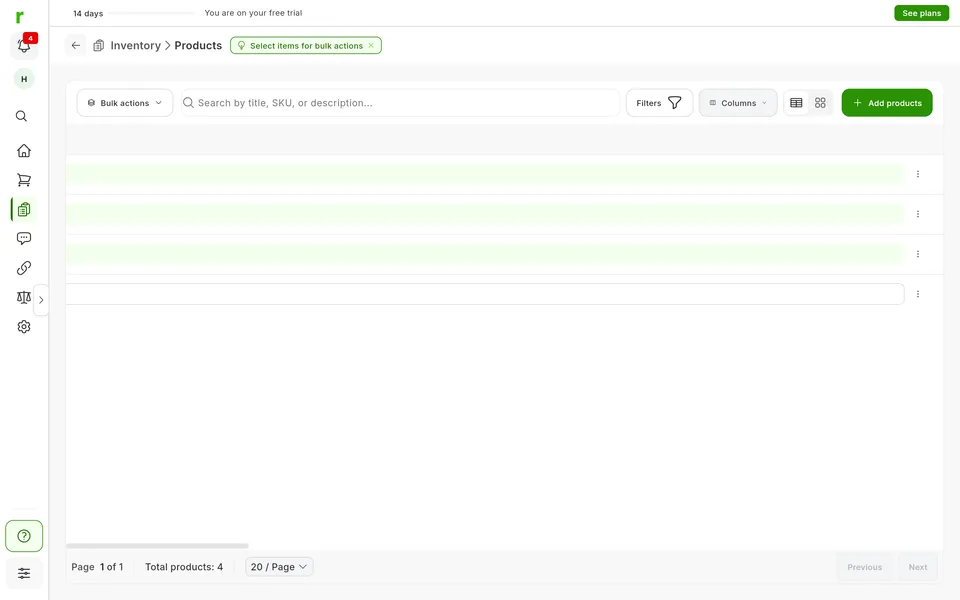
-
Rows and columns
You export the inventory, orders or transactions.
More detail
It can be what you ticked, what you see with your filters, or everything, and then you pick the columns and their order.
-
The inventory CSV
It can include attributes, cost, profit and margin.
More detail
Attributes can be custom ones too. Besides the basics: tags, photo URLs, where it sold and the links to its listings. Column headers come out in your language.
-
When it is ready
A notification brings the link.
More detail
If you export the inventory, you also get an email. Inventory and transaction links expire: download the file in time.
Where it works
Available: Not tied to a marketplace
It works the same with any marketplace you connect, because it does not depend on any one of them.
Which plan includes it
The plans that include this feature. What each one costs is on the pricing page.
| Feature | Free | Starter | Plus | Pro | Business | Enterprise |
|---|---|---|---|---|---|---|
| Inventory | ||||||
| CSV export Download your inventory, orders or transactions as CSV. | Not available | Available | Available | Available | Available | Available |
Inventory 1 available
-
CSV export
Download your inventory, orders or transactions as CSV.
- Not available: Free
- Available: Starter
- Available: Plus
- Available: Pro
- Available: Business
- Available: Enterprise
How to use it, step by step
- 1
Open the export
Click Export, or tick the rows first.
- 2
Pick rows and columns
What you ticked, what you filtered or everything, and the columns the file has.
- 3
Download the CSV
When it is ready, download it from the notification.
Good to know
Export is CSV only. The file is a snapshot: if you change something, export again.
Can I export my eBay listings to Excel?
Is it useful for my accountant?
Can I export just part of the inventory?
Can I save my column choice?
Are photos exported too?
Related features
-
Transactions
Gather the transactions from your sales and the ones you add by hand.
See the feature : Transactions
More features in this group
Start with your own products
Create your account, connect your marketplaces and try these features with your inventory.