Inventory
6 features available
- Catalog import
- Import from a file
- Bulk price editing
Inventory
Each product exists only once in Ruit, with its stock and its listings.
Not tied to a marketplace
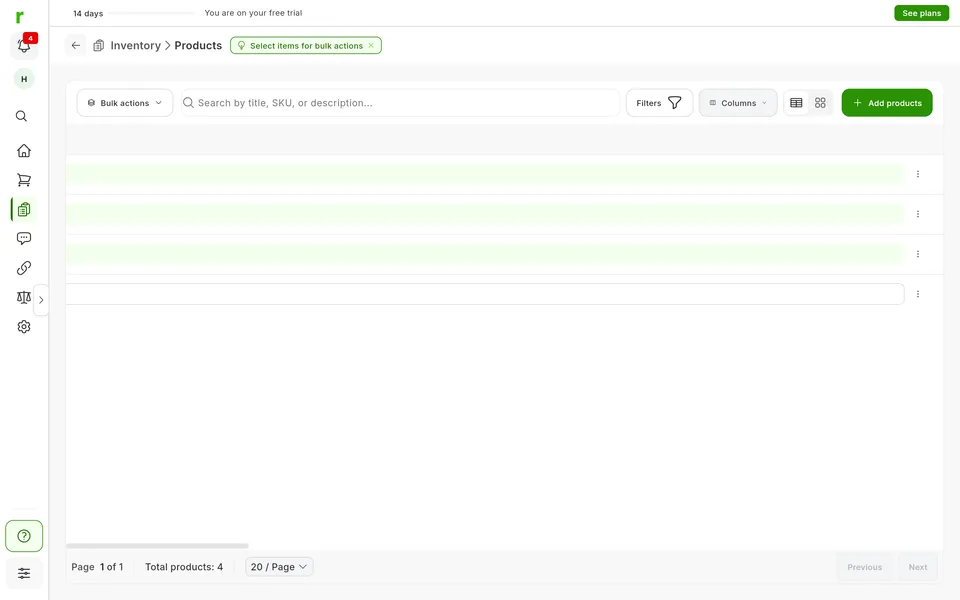
Every listing hangs off the product record.
The record is what you have on the shelf: title, description, photos, price, stock, SKU and attributes. You see it all on the same row, and Ruit works out its status for you: Draft, Ready to list or Listed.
Search looks at title, description and SKU.
Filters combine status, condition, price, stock, dates, tags, attributes, shipping and store. One is built for selling in several places: what you still have to upload to a marketplace. Another shows only what came in with a given import.
In an organization, each person sees the inventory their role and store allow.
Tick rows, even across several pages, and publish, export or delete them at once.
Available: Not tied to a marketplace
It works the same with any marketplace you connect, because it does not depend on any one of them.
The plans that include this feature. What each one costs is on the pricing page.
| Feature | Free | Starter | Plus | Pro | Business | Enterprise |
|---|---|---|---|---|---|---|
| Inventory | ||||||
| Inventory Keep all your products in a single inventory. | Available | Available | Available | Available | Available | Available |
Inventory
Keep all your products in a single inventory.
Create a product from Add, import the listings on your accounts, or upload a CSV or Excel file.
Use search, filters and your tags.
Publish, export or delete in bulk, or open a product to edit its details.
A product is one size, one color and one stock count: two sizes are two products. You pick the category on each marketplace when you publish, and the currency is the one on your account.
Bring into Ruit the listings you already have on a marketplace.
See the feature : Catalog importLoad products into your inventory from a file.
See the feature : Import from a filePublish many products at once on one or more marketplaces.
See the feature : Bulk publishing6 features available
Create your account, connect your marketplaces and try these features with your inventory.