Auto Delist Sold Items on Vinted and eBay UK (2026)

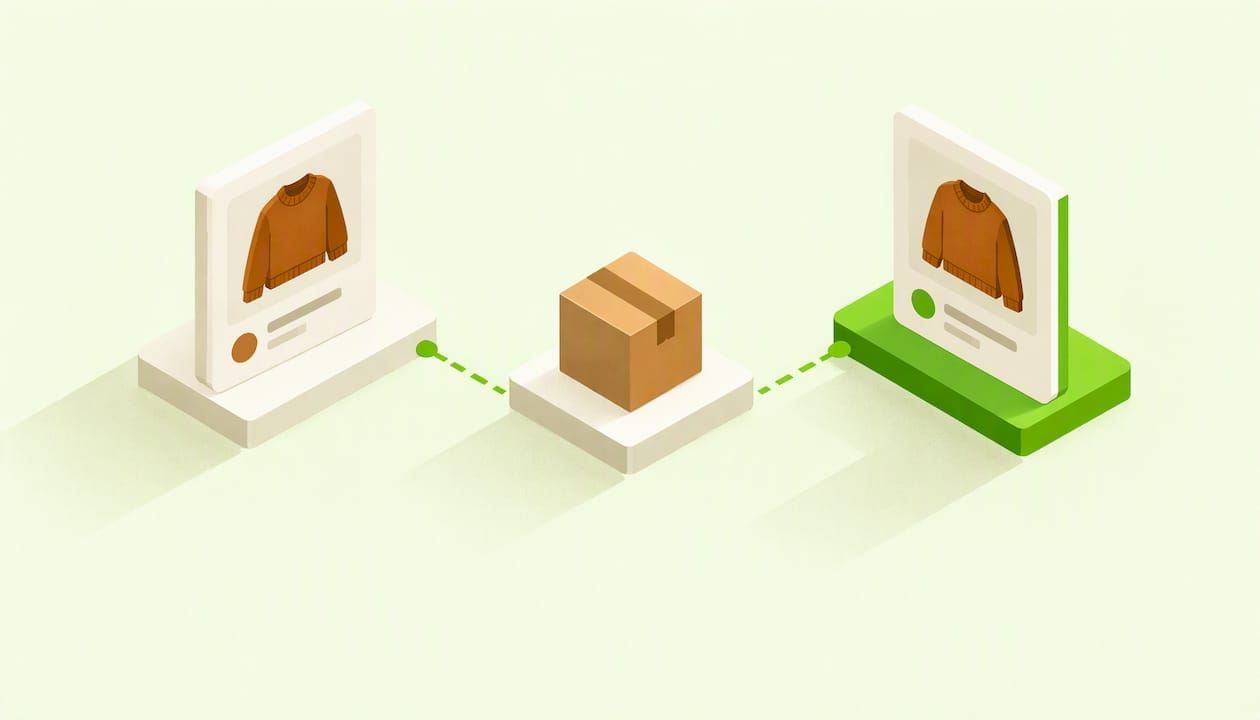
Table of Contents
- TL;DR
- Why sold items need delisting at all
- How to auto delist sold items across marketplaces
- Manual delisting: what each marketplace gives you
- How quickly and how reliably does delisting happen?
- Which marketplaces and accounts can be covered
- A worked example: one vintage jacket, three channels
- Do not forget tax and records when you sell across sites
- Our perspective
- Run Vinted and eBay from one place with Ruit
- A daily routine that backs up any tool
- Mistakes that cause double sales
- Sources
- Frequently Asked Questions
- Recommended
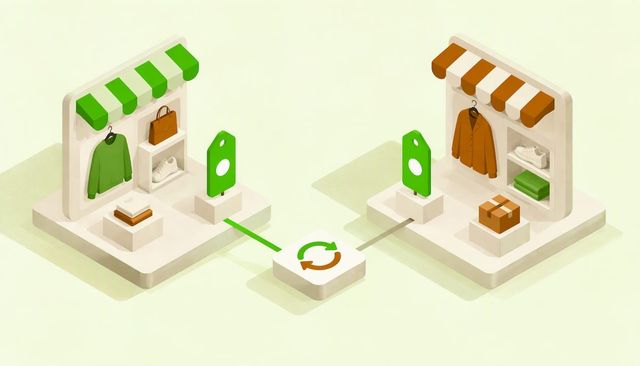
To auto delist sold items, you list each item once in a tool that is connected to every marketplace you sell on. When the item sells on one channel, the tool removes or ends the listing on the others. Without that link, Vinted and eBay do not talk to each other, so you have to delete the duplicate yourself, and every hour it stays live is a chance to sell the same item twice.
This guide explains how automatic delisting works, what it can and cannot cover, how to set it up for a Vinted and eBay UK routine, and what to do by hand when a listing slips through.
TL;DR
- Vinted and eBay do not share stock. If you sell one item on both, you must remove the second listing yourself or use a tool that does it for you.
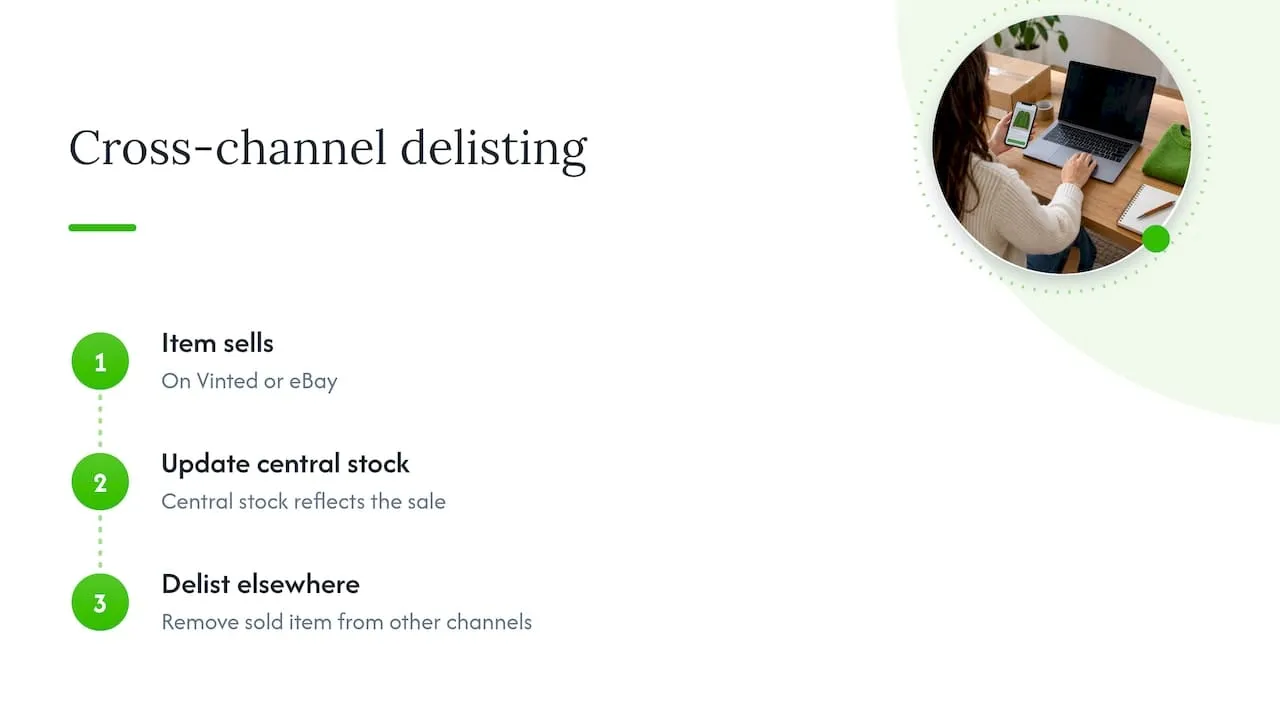
- Automatic delisting works by detecting a sale on one channel, marking the item as sold in one central inventory and removing it from every other channel.
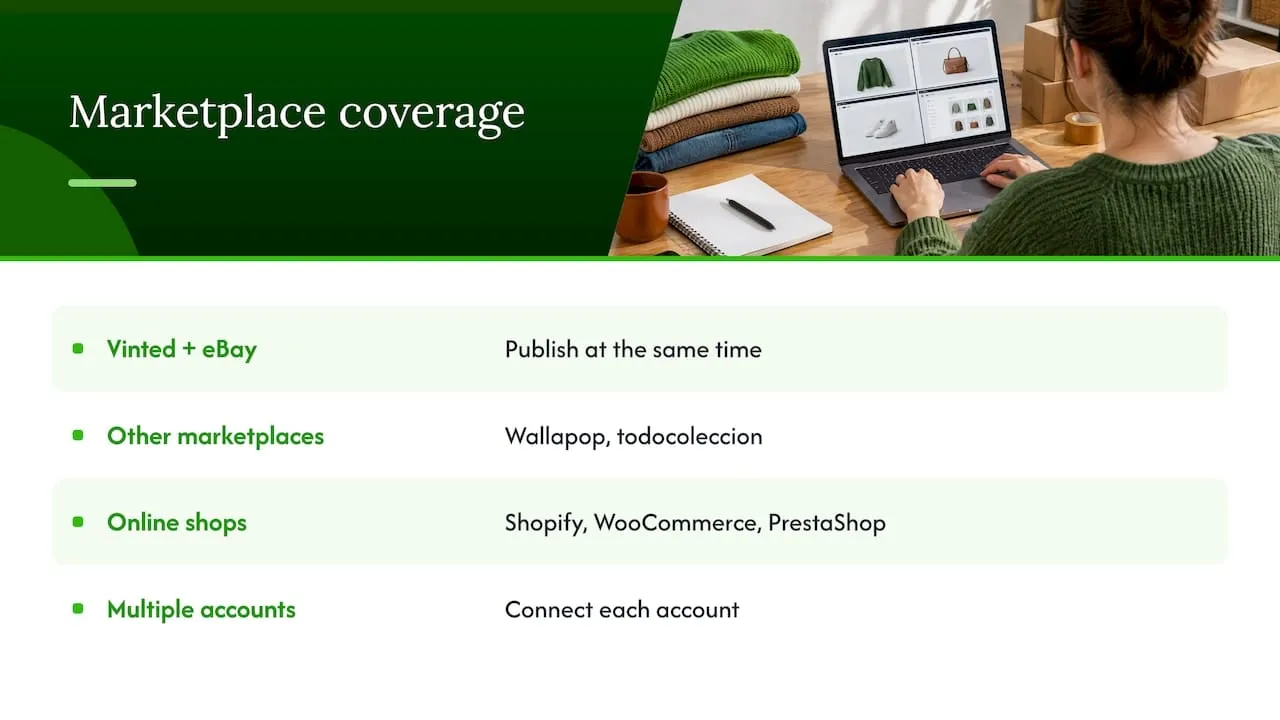
- Ruit lets you list once on Vinted, eBay, Wallapop, todocoleccion, Shopify, WooCommerce and PrestaShop, syncs stock and removes sold items from the other channels.
- Keep a manual backup: on Vinted, open the sold listing and delete it; on eBay, end the listing in Seller Hub or My eBay.
- Check your listings at set times each day, whatever tool you use.
Why sold items need delisting at all
Every marketplace treats your listing as a separate object. A jumper listed on Vinted and the same jumper listed on eBay are two records with no connection. If someone buys it on Vinted at 10am and someone else buys it on eBay at 10:05am, you now owe two buyers one jumper.
That is awkward for any seller and expensive for a small business. You cancel an order, apologise, and on eBay you risk the knock-on effects of cancelling. Second-hand stock makes the problem sharper than new stock, because you usually have exactly one of each item. There is no spare in the warehouse.
The two sensible ways to deal with it are to delist fast by hand, or to automate the delisting. Most sellers start with the first and move to the second once volume makes it unreliable.
How to auto delist sold items across marketplaces
Automatic delisting is simple in principle. It has four steps:
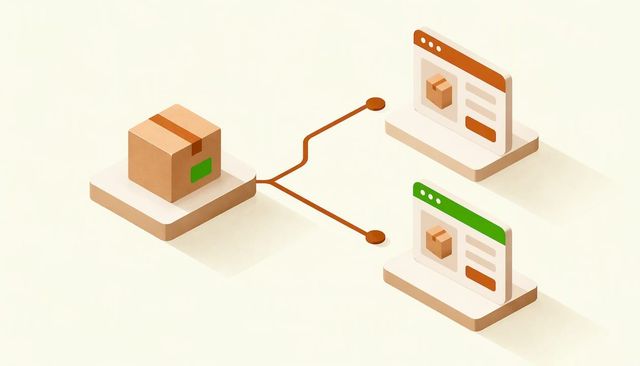
- One master record. Each item exists once in a central inventory, and every marketplace listing is linked to that record.
- Sale detection. The tool notices that an order has come in on one channel.
- Status change. The central record flips from available to sold, or the quantity drops to zero.
- Removal. The tool removes or ends the linked listings on every other channel.
The quality of the whole thing depends on step 2 and step 4: how quickly the sale is noticed, and whether the removal succeeds on each channel. That is why a tool that simply copies a listing out to many sites is not the same as a tool that keeps stock in sync afterwards.
What this means for a Vinted and eBay seller
Vinted is almost always one item, one listing. eBay can be a single item or a fixed-price listing with a quantity. Both behave differently when something sells, so the central record needs to understand both.
On eBay, a fixed-price listing ends when you run out of inventory, unless the out-of-stock option is switched on. You can also update the quantity in Seller Hub. That matters because if you list a multi-quantity item and a sale elsewhere does not reduce the quantity, eBay will keep selling stock you no longer have.
With Ruit, you create the item once and publish it on Vinted, eBay and the other channels we support. When it sells on one, stock is updated and the sold item is removed from the other channels, so the same item is not left for sale somewhere else.
Setting it up in a sensible order
The setup order matters more than the tool. Follow this sequence and you avoid most of the mess:
- Decide where the master record lives. One place only. Do not keep editing the same item on three marketplaces.
- Bring in what you already have. Existing listings need to be linked to the central record, otherwise they sit outside the sync and can still double sell. Do this before you list anything new.
- Connect each marketplace account. Make sure each account you actually sell from is connected, including any second Vinted account.
- List new items from the central place. Write the title and description once, add photos, and publish to every channel you want.
- Run a test item. Put up something cheap on two channels, buy it or mark it sold on one, and watch the other.
- Set your checking routine. Even with automation, look at your active listings at fixed times.
If you want a closer look at how we handle the removal step for Vinted and eBay, our page on deleting listings from one place covers it.
Manual delisting: what each marketplace gives you
Before you automate, know what the manual route looks like, because it is also your fallback when something goes wrong.
On Vinted UK
When an item sells on another channel, you need to take it down on Vinted. According to the Vinted UK help page on hiding, editing or deleting listings (checked October 2026), you go to your profile, open the listing and press Delete. Hiding a listing is a softer option if you want it out of view without losing it, but for a sold item deleting is cleaner, because a hidden listing is still there and you could forget it.
On eBay UK
eBay sellers can end listings in Seller Hub or My eBay (checked October 2026). The same eBay help page warns that ending listings early can disappoint potential buyers, and that using it excessively may lead to account restrictions. That is a good reason to avoid a pattern of listing, ending and relisting without sales.
In practice this means you should end an eBay listing because the item has genuinely sold or become unavailable, and not as a routine way of resetting your listings. If you are deciding between ending and other options, our guide to ending an eBay listing walks through the choices.
The three approaches compared
| Approach | How the sold item is removed | Speed | Main risk |
|---|---|---|---|
| Manual | You delete or end each duplicate yourself | As fast as you check | Forgetting, or being offline when it sells |
| Marketplace tools only | Each site manages its own listing, with no link between sites | Instant on that site, nothing on others | Double sales across sites |
| Central inventory with sync | A tool detects the sale and removes the other listings | Depends on the tool and channel | A listing outside the sync, or a failed removal |
The third option is the only one that scales. The first is perfectly fine if you sell a few items a week and are near your phone.
How quickly and how reliably does delisting happen?
No honest answer says “instantly, every time”. Delisting is a chain: the sale has to be detected, the central record updated, and the removal accepted by the other marketplace. Any link can lag.
So plan around the gap rather than pretending it does not exist:
- Treat the gap as a window. Between a sale and a removal there is a short period when the other listing is still live. A sync tool shrinks that window. It does not make it zero.
- Slow-moving single items carry less risk. If you list a vintage coat that gets two views a week, the chance of two sales within minutes is small. Fast-moving, cheap items are the risky ones.
- Be careful with offers and reserved items. On Vinted, an item that is reserved or in a negotiation may be about to sell. Check it before you accept a second sale elsewhere.
- Check anything that does not update. If a sold item is still live on another channel after a reasonable time, delete it manually using the steps above and then look at why it was missed. Usually the listing was never linked to the central record.
A useful habit is a quick sweep at the start and end of your day: open your sold orders, and compare them against live listings on the other channel.
Which marketplaces and accounts can be covered
Coverage varies by tool, so always check the channels you actually use. With Ruit you can list once and publish to Vinted and eBay at the same time, plus Wallapop, todocoleccion, Shopify, WooCommerce and PrestaShop. That covers a UK seller who works Vinted and eBay and also has their own online shop, or who sells into Spain through Wallapop.
If you run more than one account on a marketplace, for example a personal Vinted account and a separate one for a small business, make sure each is connected, otherwise one account’s sales will not be seen. We cover this in our page on several accounts on one marketplace.
Selling through your own shop
If your own site runs on Shopify, WooCommerce or PrestaShop, stock drift is even easier to cause, because the shop has its own stock counter. Practical guidance on fixing Shopify inventory drift shows how stock counts go wrong when several systems update them separately, which is exactly what a single central inventory is meant to prevent. A broader read on managing inventory in an online store makes the same point from the retail side.
A worked example: one vintage jacket, three channels
Imagine you have a single 1990s waxed jacket. You list it on Vinted, eBay and your own Shopify store.
- You create the jacket once, with one set of photos and one description.
- It publishes to all three channels.
- On Saturday afternoon, a buyer on eBay pays for it.
- The central record marks it sold. The Vinted listing is removed and the Shopify stock drops to zero.
- A Vinted shopper who liked the jacket the same evening finds nothing to buy, and you have nothing to cancel.
Without the sync, step 4 is you, on your phone, remembering to open Vinted. If you were out for the afternoon, that is the gap in which a second buyer can pay.
Do not forget tax and records when you sell across sites
Selling in several places makes your income harder to track by hand. The UK government says that if you sell goods you bought intending to sell for a profit, you are probably trading, and that if your total income is above the £1,000 trading allowance for the tax year (6 April to 5 April), you need to tell HMRC. See the GOV.UK guidance on income from online platforms, last updated on 13 February 2025. If you are unsure whether you are trading, speak to an accountant or contact HMRC directly.
Keeping one list of items sold, with the date and the channel, makes that conversation much easier.
Our perspective
We built Ruit because the most common mistake in cross-selling is not a bad photo or a bad price. It is selling something twice. With second-hand goods there is usually one of each item, so a double sale is not a stock error, it is a broken promise to a buyer.
Our view is that delisting should not depend on you remembering. The cleanest way to run Vinted and eBay together is to list the item once, let stock sync decide what is still available, and have sold items removed from the other channels without a manual step. That is what we designed Ruit to do.
We also think the routine around a tool matters. Pair automation with two short daily checks and you have a very low chance of an awkward cancellation. Pair it with an inbox that gathers Vinted and Wallapop messages in one place, and you stop missing the buyer who asks whether the item is still there. Our AI drafts titles and descriptions, so the one listing you write is also the quickest listing you write.
The goal is simple: spend your time sourcing and photographing, not policing duplicate listings.
Luis
Run Vinted and eBay from one place with Ruit
If you sell on Vinted and eBay at the same time, our stock sync is the feature that does the delisting work: stock is updated and a sold item comes off the other channels. We also relist automatically on Vinted and Wallapop, which is covered on our page about relisting after a sale, and one inbox holds your Vinted and Wallapop buyer messages. You can see how it all fits together on the Ruit homepage for UK sellers.
A daily routine that backs up any tool
Automation reduces mistakes, but a short routine catches the rest. This one takes five minutes.
| When | What to check | Why |
|---|---|---|
| Morning | Sold orders from overnight against live listings on the other channel | Catches a sale that was not removed while you were asleep |
| Before posting parcels | The item you are about to send is no longer live elsewhere | Last chance before a second buyer pays |
| Evening | Reserved Vinted items and any eBay listings with a quantity | Reserved items can sell soon, and quantities can drift |
| Weekly | Any listing older than a month that never linked to your central inventory | Unlinked listings sit outside the sync |
If you find a duplicate, remove it straight away using the Vinted or eBay steps above, then work out why it was missed.
Mistakes that cause double sales
- Listing the same item by hand on two sites as well as in your tool. The second copy is not linked, so it will not be removed.
- Not importing old listings. Anything listed before you set up the sync stays outside it until you bring it in.
- Editing quantities on the marketplace instead of in the central place. The two numbers drift apart. On eBay, remember that a fixed-price listing ends when inventory reaches zero only if the out-of-stock option is not enabled.
- Ending eBay listings to reset them. The eBay page on ending listings flags possible account restrictions if you do it excessively.
- Ignoring a second account. A sale on an unconnected account is invisible to the sync.
If you want more on keeping eBay stock tidy, our guide to managing eBay inventory across channels goes through it in detail.
Sources
- Hiding, editing, or deleting listings, Vinted UK help
- Ending a listing, eBay UK help
- Multi-quantity listings and listings with variations, eBay UK help
- Check if you need to tell HMRC about your income from online platforms, GOV.UK
- Fix Shopify inventory management drift
- Manage inventory in your online store
Frequently Asked Questions
Does Vinted automatically remove my listing when an item sells on eBay?
No. Vinted and eBay are separate platforms and do not share stock. You need to delete the Vinted listing yourself, from your profile, or use a tool that is connected to both and removes it for you.
How do I stop selling the same item twice on Vinted and eBay?
Keep one central record for each item and let sales on any channel update it. With Ruit you list once, stock syncs and sold items are removed from the other channels. Back it up with a daily check of your live listings.
What should I do if a sold item is still live on another marketplace?
Remove it straight away. On Vinted, open the listing from your profile and press Delete. On eBay, end the listing in Seller Hub or My eBay. Then check whether that listing was linked to your central inventory.
Is it a problem to end eBay listings often?
Ending a listing because the item sold or is no longer available is normal. eBay’s own help says that ending listings early can disappoint buyers and may lead to account restrictions if it is done excessively, so avoid ending listings as a routine reset.
Which marketplaces can Ruit list on?
You can list once on Vinted, eBay, Wallapop, todocoleccion, Shopify, WooCommerce and PrestaShop. Stock syncs between them and sold items are removed from the other channels. See our homepage for UK sellers to get started.