UK sellers: Fix missing eBay item specifics to avoid returns and hidden listings


Table of Contents
- Why eBay item specifics affect how often buyers find your listing
- Required versus recommended fields and the 2026 apparel rule
- Fixing Sub-Style errors, variation clashes and blank descriptions
- Editing item specifics on a live listing
- A five-minute checklist to run before you relist
- How consistent data habits and Ruit help sellers avoid repeat mistakes
- When it’s worth perfecting every field and when it isn’t
- Consider Ruit to keep your listing data consistent
- Frequently Asked Questions
- Sources
- Recommended
If your eBay item specifics are missing or incorrect, the fix is simple: open the listing, fill in every required field the category asks for (including any marked with an error, such as Sub-Style), save the changes and preview the listing before it goes live. Missing specifics stop buyers finding your item in search and can lead to returns if what you describe does not match what you send.
TL;DR:
- Filling in every required item specific ensures your listing is visible in eBay search filters and prevents it from being hidden under the apparel rule in force since July 2026.
- Correctly selecting Sub-Style, avoiding variation rule clashes, and simplifying HTML in descriptions can fix common errors that hinder search visibility and user experience.
- Updating item specifics on a live listing requires going through Seller Hub and saving changes quickly, but category changes often necessitate relisting altogether.
- Consistent data across multiple sales platforms, aided by tools like Ruit, prevents drift in item specifics and reduces the risk of misrepresentation or duplicate sales.
- Prioritize accurate, complete specifics on high-value or regularly restocked items to reduce costly returns, while keeping less important listings simple and fast to list.
Why eBay item specifics affect how often buyers find your listing
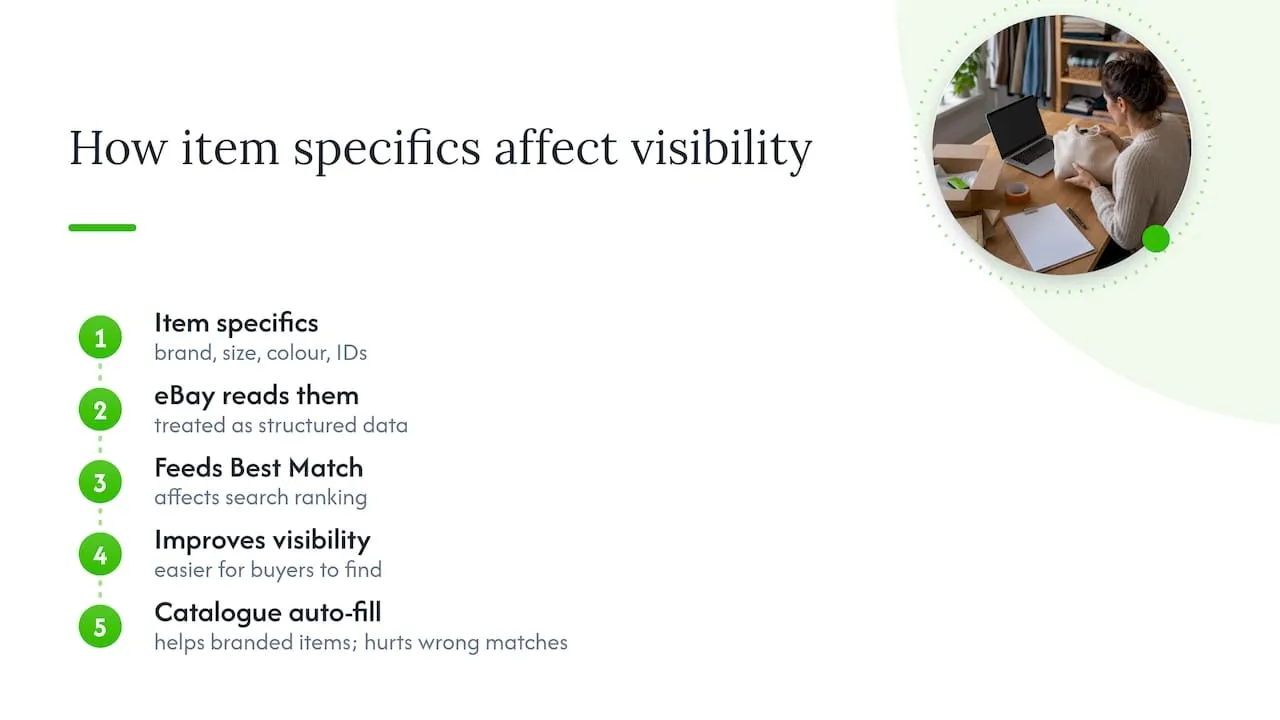
Item specifics are the structured details attached to a listing: brand, size, colour, material and product identifiers such as EAN, MPN or ISBN. They are different from your title or free-text description because eBay reads them as data, not prose, and uses them to slot your item into the filters buyers tick on the left of a search page.
That structured data feeds into Best Match, the ranking system that decides where your listing sits in search results. eBay’s own guidance treats complete, accurate item specifics as a foundational part of that ranking, not a decorative extra. A listing with every relevant field filled in is easier for eBay to match to a buyer’s search, and easier for shopping engines outside eBay to pick up too.
The eBay catalogue can auto-fill many of these fields once you select the right product match. That is useful for branded, mass-produced goods like books or electronics, where the catalogue entry is accurate. It works against you when you force a near-match catalogue item onto something slightly different, since the pre-filled specifics may then misrepresent what you are actually selling.
Required versus recommended fields and the 2026 apparel rule
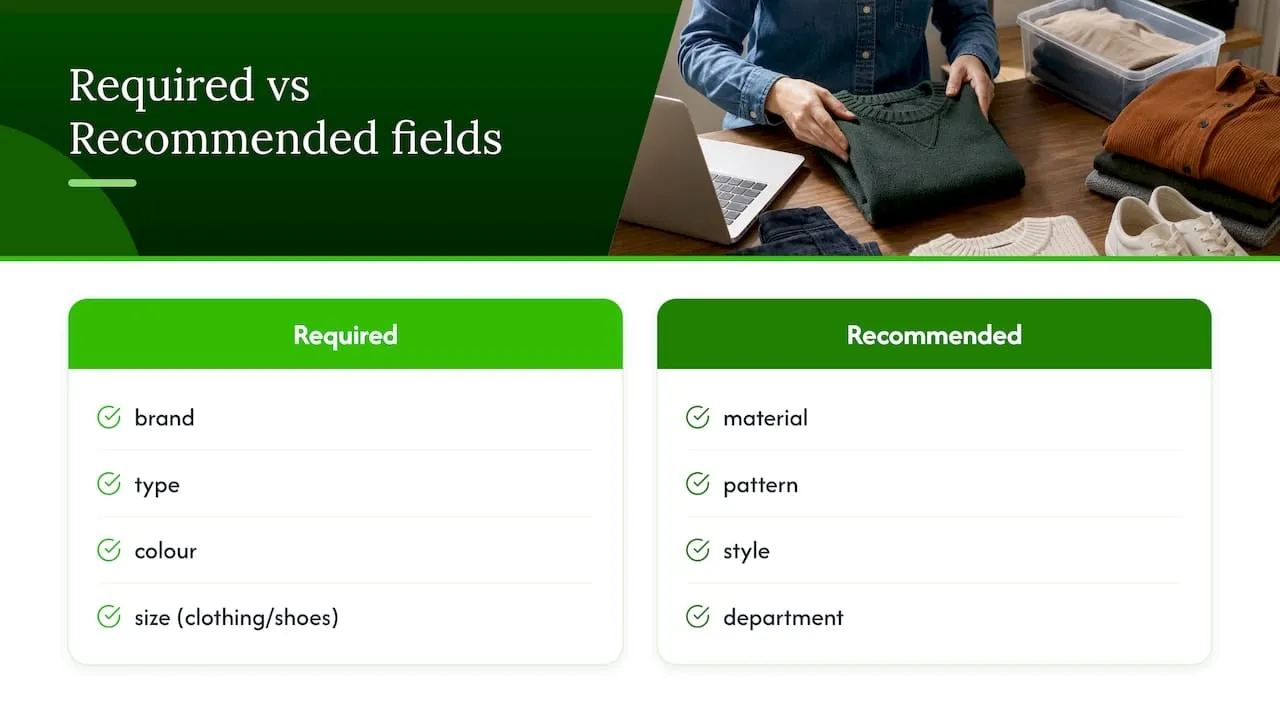
Every category sets its own required fields, usually brand, type, colour and, for clothing and shoes, size. Recommended fields vary but typically include material, pattern, style and department. Skipping a required field blocks the listing outright, while skipping a recommended one just makes your item harder to find.
Clothing sellers have an extra reason to take this seriously. Since July 2026, eBay may hide apparel and footwear listings where size or condition details are unclear or missing, until the seller updates them, as its guidance on revising a listing explains. A listing that works fine today could disappear from search overnight if those fields are left vague.
Fixing Sub-Style errors, variation clashes and blank descriptions
Three problems come up again and again in seller reports, and all three have quick fixes.
- A “Sub-Style is missing” error means the category has a required aspect you have not filled in: open the item specifics panel, find Sub-Style, and pick the closest matching value from the dropdown rather than leaving it blank.
- Variation errors usually happen because you are mixing attributes the category does not allow together, such as combining two incompatible size charts in one listing: check the category’s variation rules in the advanced listing tool before building the group, not after.
- A description that renders blank, especially on mobile, is almost always complex HTML or a leftover plugin snippet: strip it back to plain text and basic formatting, then preview on a phone before publishing.
On the catalogue question, use it when your item is an exact match for a listed product. Add specifics manually whenever the item is handmade, altered, vintage or otherwise doesn’t sit neatly in an existing catalogue entry.
Pro Tip: Preview every listing on a mobile screen before saving. Most buyers browse on their phone, and that is where blank descriptions and cramped tables show up first.
Editing item specifics on a live listing
You can usually fix item specifics without ending the listing. Here is the sequence that works for most categories.
- Go to Seller Hub and open “Active listings”.
- Select the listing and click “Edit”, which opens either the quick editor or the advanced listing tool.
- Scroll to the item specifics section and update, add or correct the fields you need.
- Save the revision: eBay applies it immediately to the live listing in most cases.
- If you need to change the category itself, rather than just a field within it, you will usually need to end the listing and create a new one, since category changes can affect which specifics apply.
After saving, give eBay some time to reindex the listing. Visibility in search does not update instantly, so a short delay before the item reappears higher in results is normal and not a sign that anything has gone wrong.
A five-minute checklist to run before you relist
- Confirm the category is correct and every required field shows a value, matching to the catalogue where it genuinely fits.
- For apparel, double check size and condition fields specifically, since these are the ones that can get a listing hidden.
- Preview the full listing on mobile, including the description, before saving.
- Save the listing, give it time to reindex, and if it still doesn’t appear correctly after 24 hours, contact eBay support with screenshots of the item specifics as evidence.
How consistent data habits and Ruit help sellers avoid repeat mistakes
Most item specific errors come from the same root cause: the same item listed slightly differently on different marketplaces, with details that drift out of sync over time. Keeping inventory consistent across channels is one of the simplest ways to stop that drift before it starts.
There are tools that let you list an item once on Vinted, eBay, Wallapop, todocoleccion, Shopify, WooCommerce and PrestaShop, so the same specifics go out everywhere at the same time. When an item sells on one channel, stock syncs and listings are removed from the others, and some apps auto-relist on Vinted and Wallapop so active stock stays visible. Some solutions collect Vinted and Wallapop buyer messages into a unified inbox and provide AI to draft listing titles and descriptions, which helps keep wording and details aligned across every channel you sell on.
When it’s worth perfecting every field and when it isn’t
Spend the extra five minutes getting every specific right on high-value items or anything you restock regularly. A wrong size field on a £150 jacket costs far more in returns than the time it takes to fix it.
For a one-off clear-out item worth a few pounds, keep it simple: get brand, size and condition accurate, skip the rest, and move on.
- Luis
Consider Ruit to keep your listing data consistent
Fixing item specifics one listing at a time works, but it doesn’t stop the same mistake happening again next week on a different marketplace. If you sell the same stock across several platforms, keeping specifics aligned by hand is the slow way to do it.
- List an item once and publish it on Vinted, eBay, Wallapop, todocoleccion, Shopify, WooCommerce and PrestaShop together.
- Stock syncs automatically, and sold items are removed from the other channels to avoid selling the same item twice.
- Listings can auto-relist on Vinted and Wallapop to keep active stock visible without manual reposting.
- Some tools provide a unified inbox for Vinted and Wallapop buyer messages, and drafting assistance for listing copy via AI.
Clear titles matter here too: pairing well-structured titles with accurate specifics gives buyers and search algorithms the clearest possible signal. If you sell across more than one marketplace and want your item specifics to stay consistent without rechecking every listing by hand, see how Ruit works.
Frequently Asked Questions
Why can’t I see the item description on eBay?
A blank description is usually caused by complex HTML or a leftover plugin snippet that doesn’t render correctly, particularly on mobile. Strip the description back to plain text and simple formatting, then preview it on a phone screen before saving.
What happens if you get an item not as described on eBay?
Under the eBay Money Back Guarantee, the buyer can open a “not as described” claim and you are responsible for handling the return. You must respond to the return request within 3 business days, and buyers generally have 30 calendar days after delivery to raise it.
What are the rules for item descriptions on eBay?
Descriptions must accurately reflect the item, matching the condition, size and other details you set in the item specifics. Since July 2026, apparel and footwear listings with unclear or missing size or condition details may be hidden from search until updated.
Do I need to tell HMRC about income from selling on eBay?
You may need to tell HMRC about income from online marketplaces if your total trading income goes over the £1,000 trading allowance in a tax year, which runs from 6 April to 5 April. Below that threshold, casual selling generally does not need to be reported.
Why are sellers leaving eBay?
Public reporting points to a mix of rising fees, increased competition and frustration with policy changes such as stricter listing requirements. Sellers who keep their item specifics accurate and their listings compliant tend to see fewer disruptions than those who fall behind on category rule changes.
Sources
- Optimising your listings for Best Match
- Check if you need to tell HMRC about your income from online platforms
- Revise a listing, eBay UK