PrestaShop to eBay: 7 steps to connect and test for UK sellers

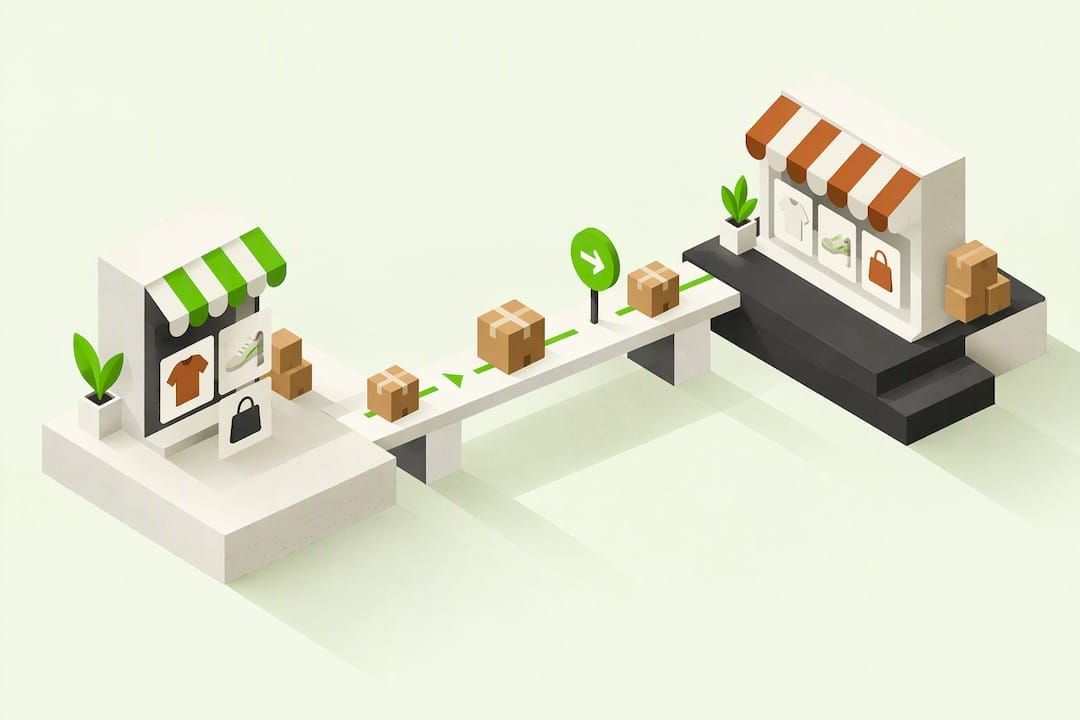
Table of Contents
- Integration options: modules, connectors and crosslisting tools
- Why connect PrestaShop to eBay
- Step-by-step: connect PrestaShop to eBay and test it properly
- Listing and sync best practices once you are live
- Fees and VAT: what to check before you start
- How a crosslisting approach handles multi-marketplace selling
- Choosing the simplest reliable path for your catalogue
- A simpler route for bulk multichannel listing
- FAQ
- Sources
- Choosing the simplest reliable path, one more note
- Recommended
Yes, you can connect PrestaShop to eBay: install an integration module for a native, order-synced workflow, or use a crosslisting tool when you need to publish across several marketplaces at once. Both routes keep stock levels aligned and cut the manual work of relisting the same item twice. The right choice depends on your catalogue size and how many channels you sell on, which the next section breaks down.
TL;DR:
- Before connecting, verify your eBay seller account, publish return and shipping policies, configure Managed Payments, and match product SKUs with EAN, MPN, or ISBN codes.
- Choose one system as the stock master, publish an inexpensive test listing, then simulate a sale to confirm orders import and inventory changes sync.
- Keep the first batch under 20 items, check restricted categories before bulk publishing, and retest two or three listings after major price or stock changes.
- Crosslisting suits resale stock across marketplaces, removing sold items elsewhere; a PrestaShop module fits stable catalogues needing order imports into one store.
- UK marketplaces generally handle VAT on consumer goods worth £135 or less; individuals have a £1,000 trading allowance before Self Assessment registration.
Integration options: modules, connectors and crosslisting tools
PrestaShop store owners generally pick from three approaches, and each suits a different kind of seller.
- Third-party PrestaShop modules: these plug into your back office, read your product catalogue and push listings to eBay, usually with order import and stock updates built in.
- Crosslisting or multichannel SaaS tools: these sit outside PrestaShop and publish the same listing to eBay, Vinted, Wallapop and other marketplaces from one bulk action, which suits resellers managing many SKUs across channels.
- Manual CSV upload: workable for a handful of items, but it does not scale once you are updating stock daily.
Whichever route you choose, a few prerequisites apply before anything syncs properly. You need an active eBay seller account with business seller policies set up (returns, postage, payment terms), and eBay Managed Payments configured so you can be paid. Your product data matters just as much: eBay expects EAN, MPN or ISBN codes alongside a clean SKU system, because mismatched or missing codes are the most common cause of failed listings once a sync job runs.
Why connect PrestaShop to eBay
Connecting your store to eBay puts your catalogue in front of a much larger pool of shoppers than your own site typically reaches on its own, without you rebuilding listings from scratch.
- Wider reach: your products appear in eBay search and category browsing alongside PrestaShop’s own storefront traffic.
- Less manual work: mapped templates carry over titles, prices and images automatically instead of you retyping them.
- Better listing quality: item specifics fields populate from your product data, which reduces the compliance gaps that get listings hidden in search.
- Faster order handling: eBay orders land back in one place instead of you checking two separate dashboards.
Pro Tip: Map your eBay item specifics to existing PrestaShop custom fields before your first bulk push, rather than filling them in one by one on eBay afterwards.
Step-by-step: connect PrestaShop to eBay and test it properly
Follow this order the first time you connect, and repeat the testing step after any major catalogue change.
- Check your eBay account status: confirm your seller account is verified, business policies are published, and VAT details are entered if you sell as a business under eBay’s business seller policy.
- Install the module or authorise the connector: from your PrestaShop back office, install the chosen module, then authorise it against your eBay account, which usually means generating or approving API keys through eBay’s developer or seller settings.
- Map your core fields: match SKU, title, price, stock quantity, shipping policy and category-specific identifiers (EAN, MPN or ISBN) between the two systems.
- Choose your stock sync direction: decide whether PrestaShop is the master record of stock or whether eBay orders decrement stock directly, since running both as masters causes conflicts.
- Push one test listing: publish a single low-value item first and check every field rendered correctly on the live eBay listing page.
- Simulate a sale: buy the test item yourself or ask a colleague to, then confirm the order imports into PrestaShop and stock decrements on both sides.
- Check restricted categories before scaling: some categories need pre-approval under eBay’s eligibility requirements policy, so confirm before bulk-publishing similar items.
Pro Tip: Keep your first batch under 20 items until you have confirmed a full order-to-stock cycle works end to end.
Listing and sync best practices once you are live
A few habits separate a smooth integration from one that quietly loses sales through errors.
- Fill in item specifics every time: consistent EAN, MPN or ISBN codes improve how listings surface in eBay search and prevent the connector from mismatching products on future syncs.
- Standardise titles, photos and templates: a fixed title format and consistent image sizing make bulk edits faster and reduce listing rejections.
- Check category rules before automating: some categories require manual review or a sales history threshold, so avoid auto-publishing new stock into those categories without checking first.
- Run a short test after every bulk price or stock change: pick two or three items and confirm the new values appear correctly on eBay before trusting the rest of the batch.
Fees and VAT: what to check before you start
Before you list at volume, it is worth knowing what eBay charges and what HMRC expects from you as a marketplace seller.
eBay charges listing and final-value fees that vary by category, plus optional Shop subscription tiers (Basic, Featured, Anchor) that lower per-listing costs if you list a high volume of fixed-price items. On the tax side, marketplaces are generally liable for VAT on goods valued at £135 or less sold to UK consumers, and sellers must keep sales records for six years. If you are an individual selling occasionally, you get a £1,000 trading allowance before you need to register for Self Assessment.
| Cost or rule | What applies |
|---|---|
| eBay listing and final value fees | Vary by category; check current rates on eBay |
| eBay Shop subscriptions | Several tiers with different free listing allowances |
| VAT on goods valued at or under the marketplace threshold sold to UK consumers | Marketplace is generally liable, not the individual seller |
| Trading allowance | £1,000 before Self Assessment registration is required |
| Sales recordkeeping | Six years, per gov.uk marketplace guidance |
How a crosslisting approach handles multi-marketplace selling
A crosslisting workflow for second-hand and multi-marketplace selling starts with one listing, published everywhere it needs to be. Sellers can list once on Vinted, eBay, Wallapop, todocoleccion, Shopify, WooCommerce and PrestaShop, and when an item sells on one channel, stock updates and the listing comes down from the rest automatically.
- Sellers draft once and publish across seven channels from a single action.
- Stock sync removes sold items from every other channel, which stops double sales when the same stock sits on both eBay and Vinted.
- Listings auto-relist on Vinted and Wallapop, and AI drafts the initial title and description to save typing time.
A seller running a bulk job across eBay and Vinted at the same time relies on that stock sync specifically to avoid selling a single item to two buyers.
Choosing the simplest reliable path for your catalogue
A PrestaShop module tends to suit stable catalogues where you mainly need direct order import back into one store. A crosslisting approach suits high-SKU resale and vintage sellers running stock across several marketplaces at once, where manual relisting would eat the day.
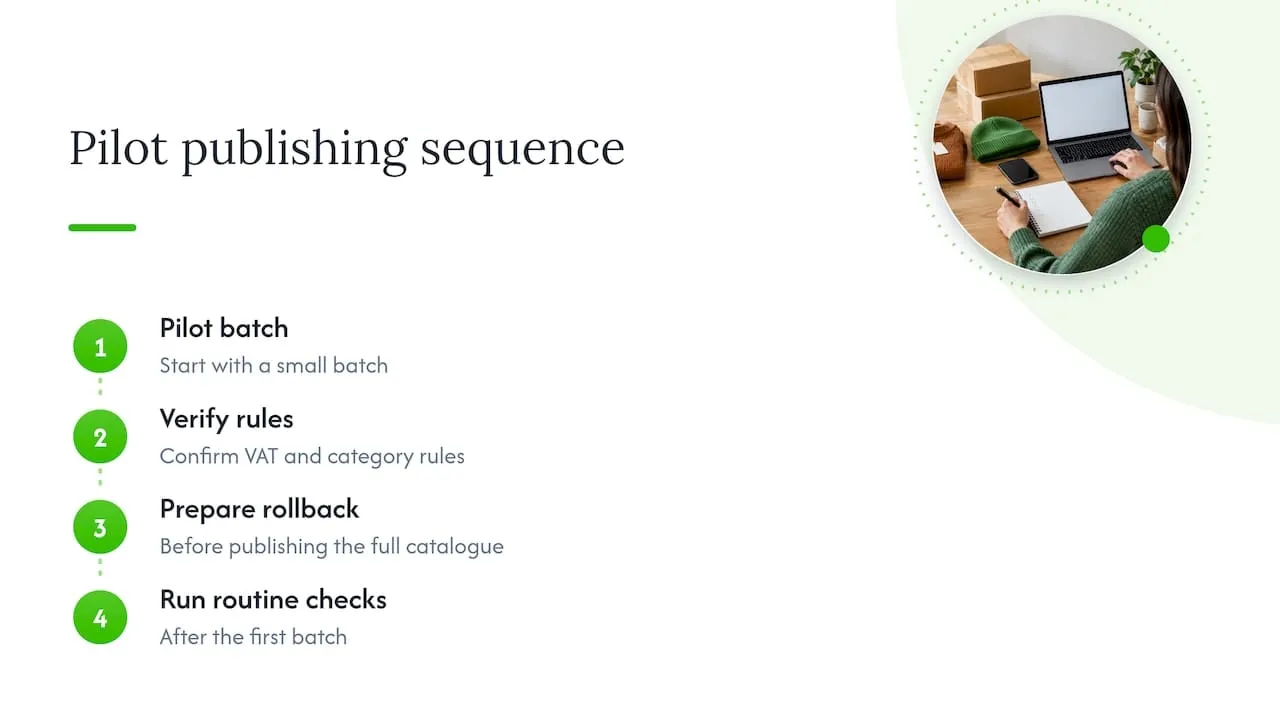
Whichever you pick, start with a small pilot batch, confirm VAT and category rules apply as expected, and keep a rollback plan ready before you publish your full catalogue. Routine checks after that first batch matter more than the setup itself.
A simpler route for bulk multichannel listing
If your main goal is publishing the same stock across eBay and other marketplaces without maintaining a PrestaShop module yourself, we offer that as a direct alternative. List once on Vinted, eBay, Wallapop, todocoleccion, Shopify, WooCommerce and PrestaShop, and let stock sync handle removal from the other channels when something sells.
- Auto-relist can keep Vinted and Wallapop listings active without manual resubmission.
- One inbox can bring Vinted and Wallapop buyer messages together.
- AI can draft your listing titles and descriptions from the product details you give it.
See plans and pricing to find the tier that matches your catalogue size, or explore the bulk listing feature for a closer look at how a single publishing job reaches multiple channels.
This article is general information, not a substitute for advice from a qualified financial advisor. Consult a qualified financial professional about your own circumstances before acting on anything here.
FAQ
Does eBay accept dropshipping?
eBay allows dropshipping only when the seller is the retailer of record and controls fulfilment quality, and it does not allow listing an item then buying it from another online retailer to ship directly to the buyer. Check eBay’s seller policies before building a dropshipping workflow through any integration.
How do I start selling on eBay from my own store?
Create and verify an eBay seller account, set up business policies for returns and postage, then connect it to your store through a module or crosslisting tool that maps your product data across. Test with one listing and one simulated sale before publishing your full catalogue, as outlined in the setup steps above.
Can I realistically earn a high monthly income on eBay?
Earnings depend entirely on catalogue size, pricing and category, so no single figure applies to every seller. Focus on consistent listing quality, accurate item specifics and reliable stock sync rather than a specific income target.
What payment methods does eBay accept from buyers?
eBay processes buyer payments through its own Managed Payments system, which accepts major debit and credit cards along with other methods shown at checkout. Sellers need Managed Payments configured correctly before orders can complete, which you should confirm during account setup.
Do I need to register for VAT if I sell on eBay?
It depends on your turnover and whether you sell as an individual or a business; marketplaces are generally liable for VAT on goods valued at £135 or less sold to UK consumers, as set out in gov.uk marketplace VAT guidance. Individuals have a £1,000 trading allowance before Self Assessment registration becomes necessary.
Sources
Choosing the simplest reliable path, one more note
A module fits a store with a steady, limited catalogue that needs tight order import back into PrestaShop. A crosslisting tool fits a seller whose stock moves across several marketplaces, where the real cost is the hours lost to manual relisting rather than the setup itself.
- Luis