Unlink an account, and what is deleted for good
How to remove an account from RUIT, what is deleted for good, what stays, what happens to your listings on the marketplace and why there is no going back.
Unlinking an account removes it from RUIT and deletes for good what RUIT had stored for it. It cannot be undone. Nothing is touched on the marketplace: your listings stay published.
How to unlink an account
-
In Linked Accounts, open the ⋮ menu on the account’s card and choose Disconnect.
-
The Careful! warning opens. First it says Calculating what will be removed… and then it shows what is going to be deleted, for example
Publications: 9 · Orders: 0 · Settings: 3. -
The Unlink button counts down 30 seconds before it becomes active:
Unlink (30),Unlink (29)… When it reaches zero, press it.
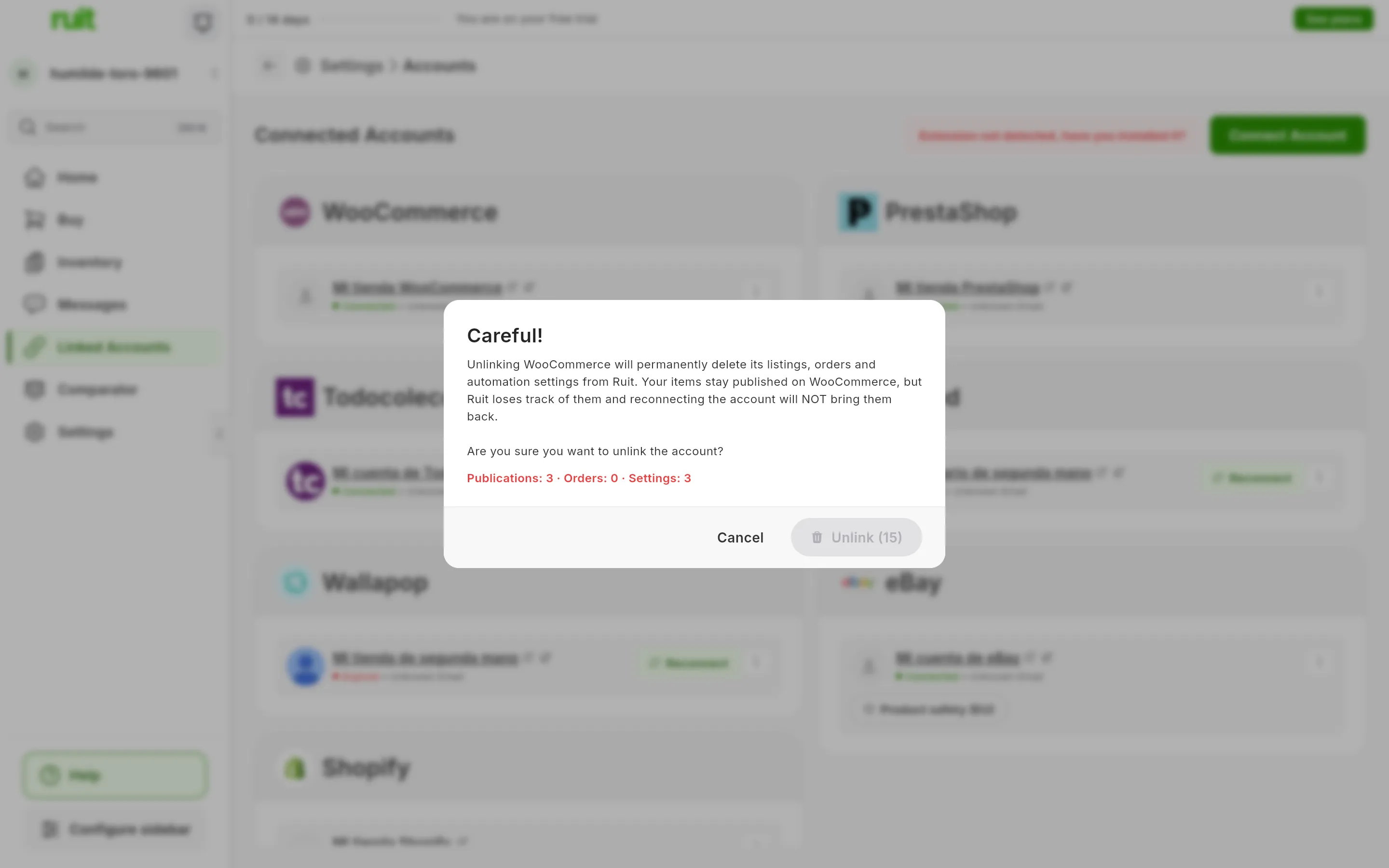
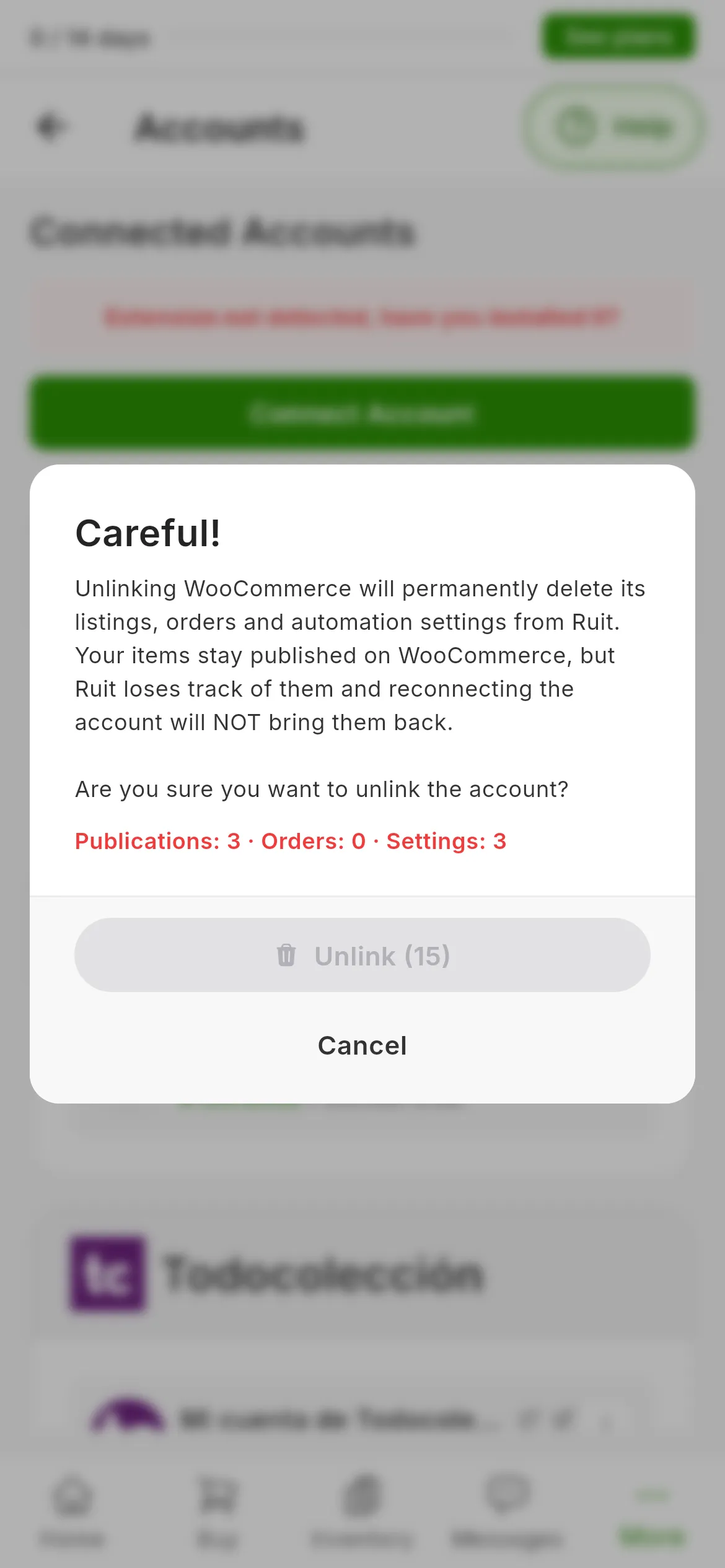
The warning when unlinking WooCommerce. The 1 marks what gets deleted; Unlink stays gray while it counts down the seconds.
To get out without deleting anything, press Cancel or anywhere outside the warning. On a phone it works the same way.
What is deleted
| Deleted | Does the warning count it? |
|---|---|
| That account’s publications in RUIT | Yes |
| Its orders | Yes |
| Its settings, such as order syncing | Yes |
| Its conversations, with their messages, notes and statuses | No |
| The purchases made with that account | No |
| Whatever was still pending in a bulk publishing or renewal job with that account | No |
What stays
Your inventory products, with their photos, their price and their stock: they only lose the link to that account’s listing. The import history, the activity log and your transactions also stay, and the transactions stop pointing to the listing.
Your listings on the marketplace
RUIT does not delist anything: your listings stay on sale, but RUIT stops updating their price and their stock. If you want to take them down, delist them before you unlink the account.
On the marketplace, RUIT only cancels the change alerts it had signed up for, such as the ones on your WooCommerce or Shopify store. If that fails, the account is removed anyway.
Before you unlink
Connect it again
You can connect the same account again whenever you like, but it comes in as a new one: for RUIT to manage your listings again, you will have to import them once more.
It is not the same as Reconnect. Reconnecting renews an account that is still in RUIT and deletes nothing, as What happens when a marketplace session expires explains.
Did this article help?
Thanks for telling us.