Verify your phone in RUIT
Verifying your phone in RUIT: the country, the number and the six-digit code by SMS. You do it once, when you connect your first account.
In this tutorial you verify your phone with a six-digit code that arrives by SMS. You do it once only and it takes one minute. It is not needed to create the account or to move around the app: the prompt shows up the first time you try to connect a marketplace account, import listings or publish a product, and reaching the first of those is enough.
You need a phone number with one of the 16 dialling codes the selector offers: Austria, Belgium, Denmark, Finland, France, Germany, Italy, Netherlands, Norway, Poland, Portugal, Spain, Sweden, Switzerland, the United Kingdom and the United States. A number can only be verified on one RUIT account.
1. Open the verification window
There is nothing to go looking for: it opens by itself, titled Just one more step!, over whatever you were doing. The usual way in is pressing Connect Account under Settings → Accounts or from the Connect your first account task on Home.
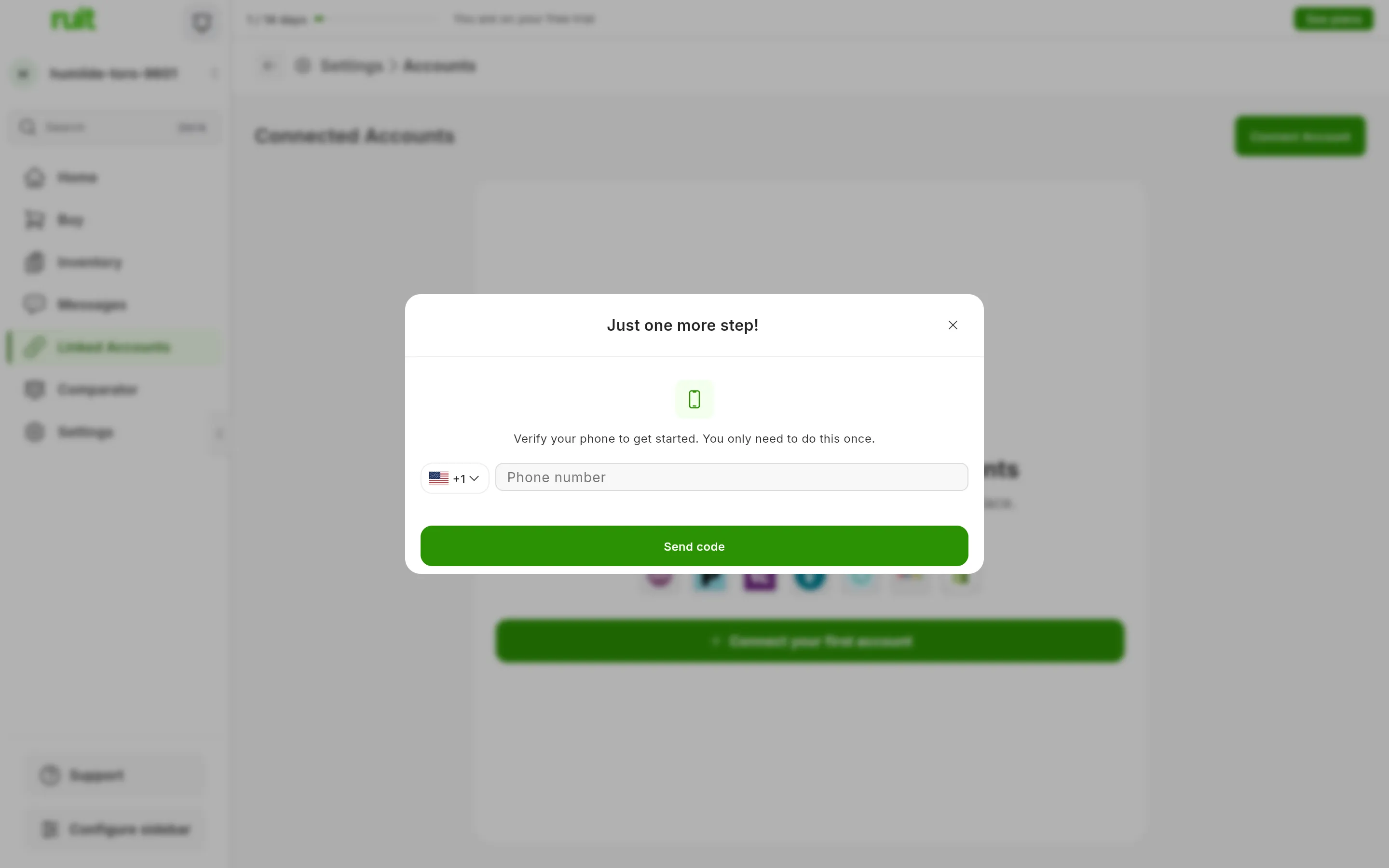
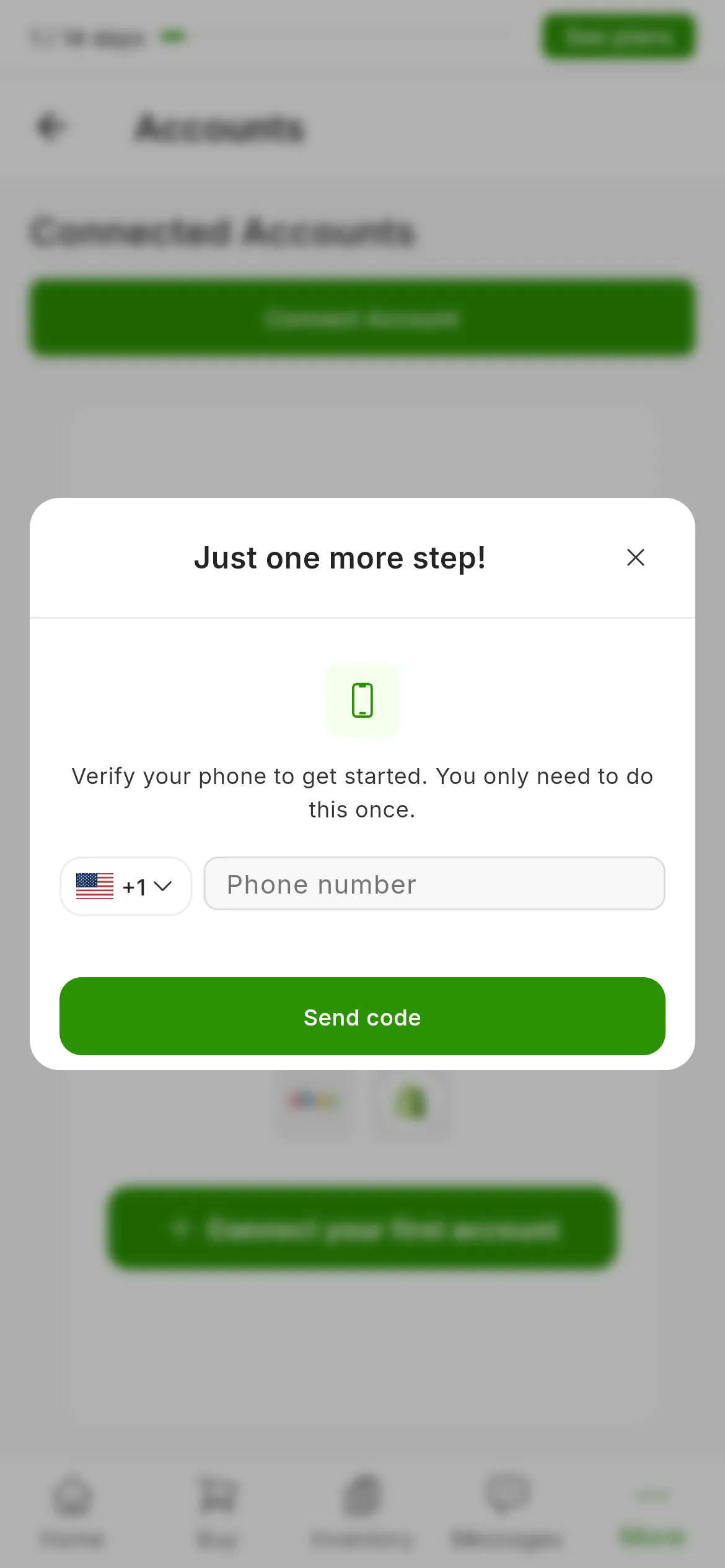
The verification window: the country, the number and the button that asks for the code.
2. Pick the country and type the number
-
Check the country in the selector. It comes preselected from the language of the app or of the browser, with its flag and its dialling code, so change it if the code is not yours. The names are shown in the language of the app.
-
Type the number without the dialling code: the code comes from the country you have just picked.
3. Ask for the code and type it in
-
Press Send code. An SMS arrives with six digits.
-
Type the six digits into the six boxes. The cursor jumps to the next box as you type, and deleting takes you back to the previous one, so you can type it all in one go.
-
Do not press anything else: the moment you type the sixth digit, RUIT checks the code by itself.
Video not recorded yet: Verifying the phone with the code by SMS
What you have achieved
Your phone is verified for good on this account and the window never comes back. Whatever you had started (connecting the account, importing or publishing) carries on where you left it. Under Settings → Personal Information you will see your number with the last four digits in view and the Verified label.
Next step: connecting your first marketplace account from Settings → Accounts.
If something is off
- The code does not arrive. Wait 60 seconds and press resend. The SMS service we use caps it at 5 texts an hour to the same number, and each code expires after 10 minutes.
- The app says “Wrong code. 0 attempts remaining”. That zero is not real: the app does not receive how many you have left and always writes zero. There are 5 attempts per code, the SMS service counts them, and if you use them up you ask for a new code.
- Your number is already on another account. RUIT does not even send the SMS and tells you there and then. What it stops is reusing a number that is already verified, not creating accounts: an unverified account is created and used as normal until you want to connect a marketplace.
- Your country is not in the selector. Write to us with your full number and we verify your phone from our side.
- You want to change your number. It cannot be edited from the app: write to us and we reset it from our side so you can verify the new one.
| Limit | Today | Who sets it |
|---|---|---|
| Length of the code | 6 digits | RUIT |
| Wait before resending | 60 seconds | RUIT |
| Life of the code | 10 minutes | The SMS service |
| Attempts per code | 5 | The SMS service |
| Texts an hour to the same number | 5 | The SMS service |
Did this article help?
Thanks for telling us.