Connect Vinted to RUIT
Connect Vinted to RUIT: sign in to Vinted in the extension's browser and let RUIT detect the session. No passwords, in two minutes.
In this tutorial you connect your Vinted account to RUIT. Vinted does not offer an API to tools like RUIT, so the connection goes through the extension, just as with Wallapop: RUIT uses the Vinted session you already have open in your browser and never asks you for your password. It takes two minutes and you only do it once per account.
You need the RUIT extension installed in Chrome or Edge on a computer and connected to your RUIT account, and a verified phone, because without it the connection wizard does not open.
1. Sign in to Vinted in the extension’s browser
Open Vinted in the same browser where you have the RUIT extension and sign in with the account you
want to connect. It does not matter which Vinted you sign in through, vinted.es, vinted.fr or
any other: RUIT reads your account’s country and publishes on that country’s Vinted. There is no
need to leave the tab open: the extension opens one of its own, pinned and in the background, when
it needs it.
2. Open the connection wizard in RUIT
Go to Settings → Accounts, press Connect Account and pick Vinted.
3. Let RUIT detect your session
RUIT reminds you that you need to be signed in to Vinted in the extension’s browser. Press Detect my Vinted session.
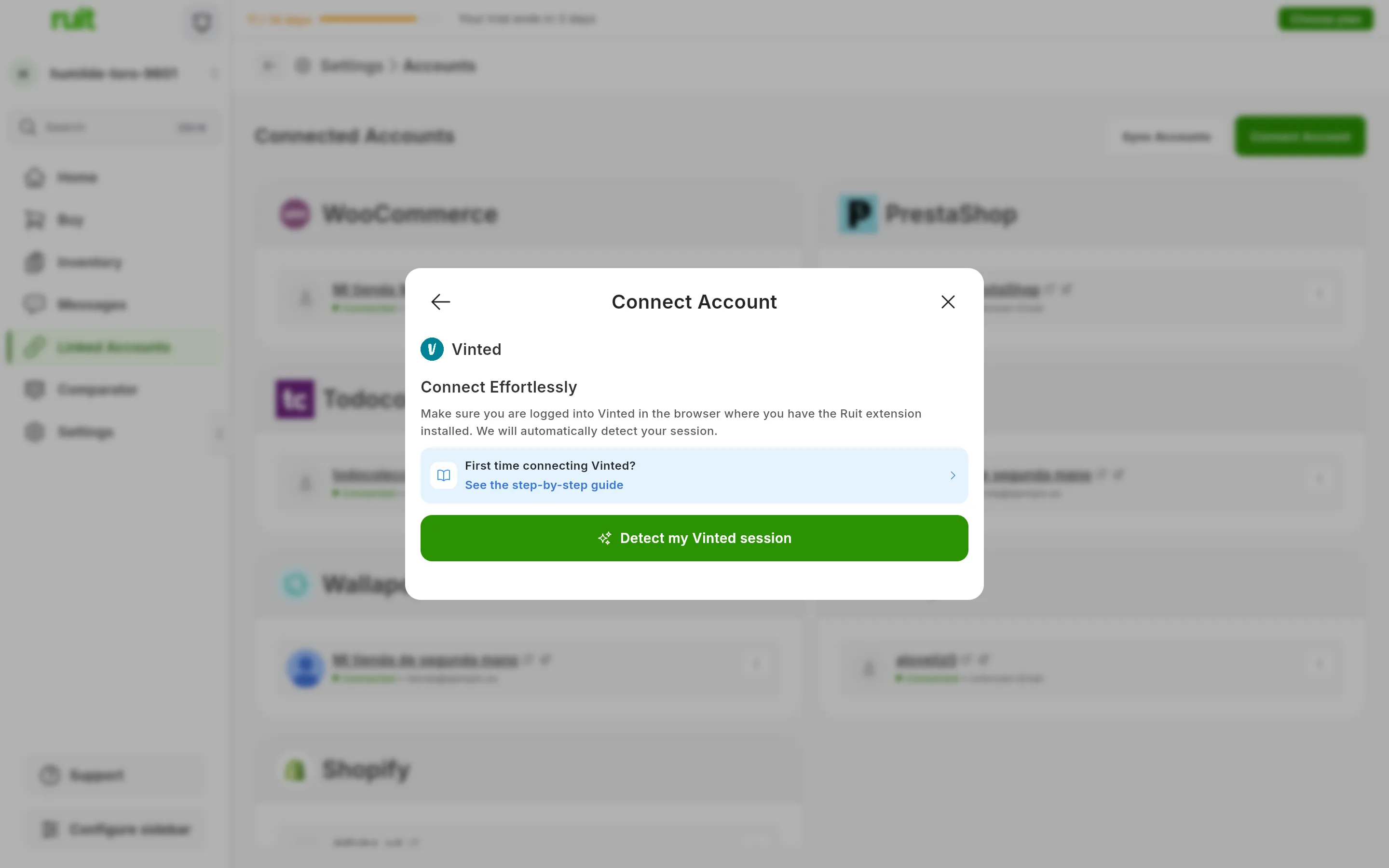
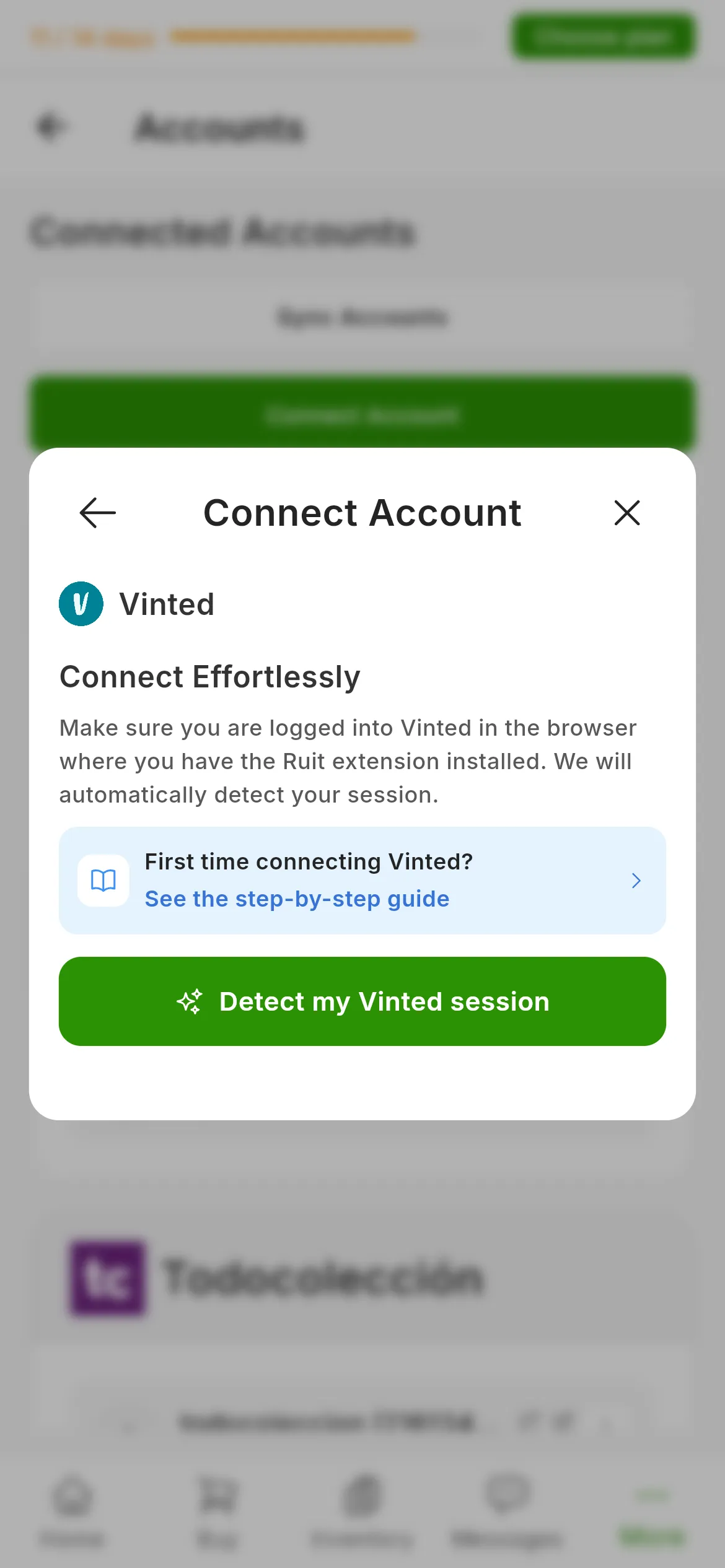
The Vinted dialog. The number marks Detect my Vinted session; there are no fields to fill in.
The extension reads your Vinted session, asks Vinted for your profile to check that it is the same account, and hands it over to RUIT. It takes a few seconds. When it finishes, RUIT confirms that the account is linked and takes you back to the list of accounts.
What you have achieved
Your Vinted account appears under Connected Accounts with your Vinted profile name and the green connected dot. From now on RUIT talks to Vinted through the extension in that browser, so keep it open whenever you want RUIT to work: publishing, importing, answering messages or keeping an eye on your sales.
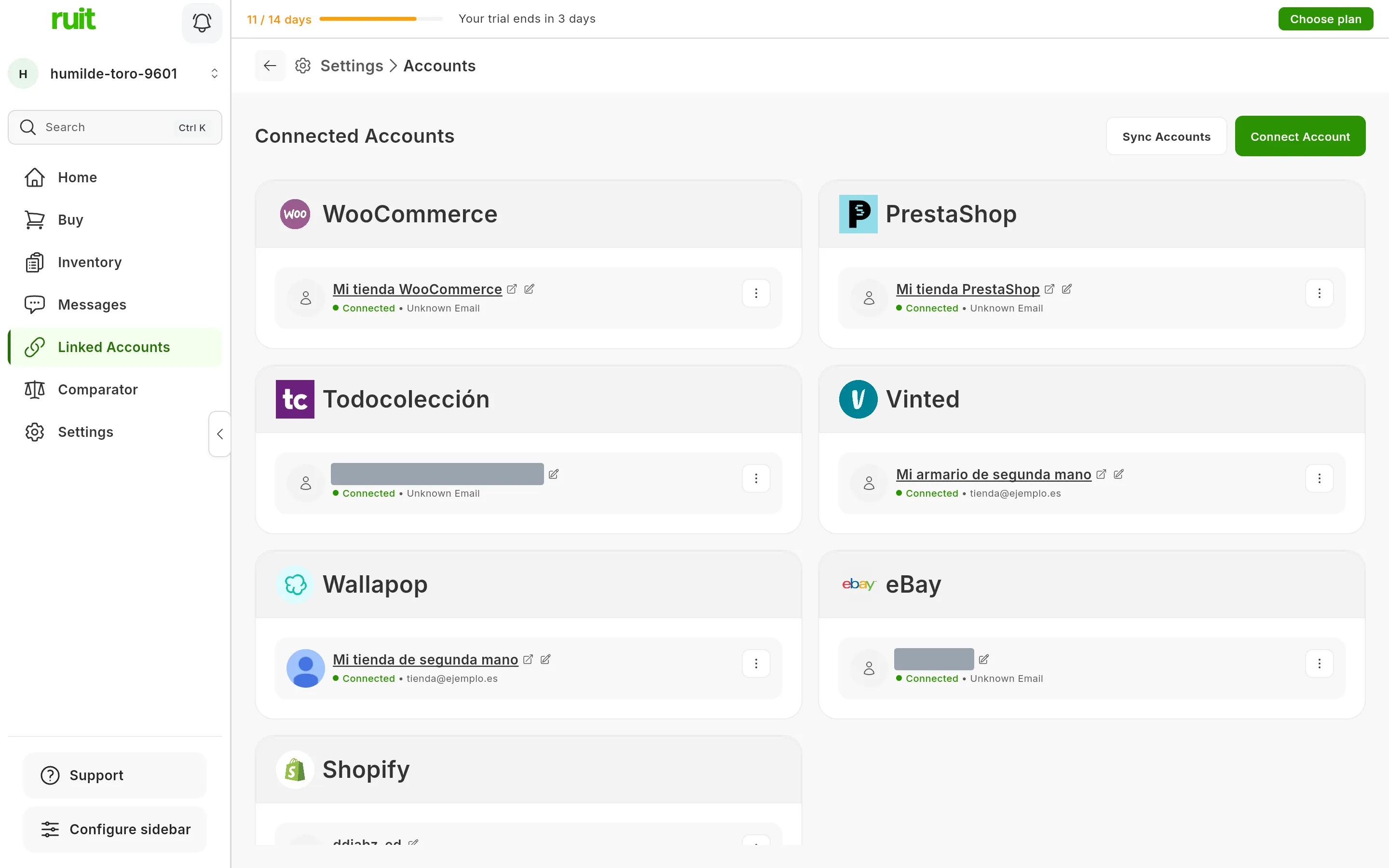
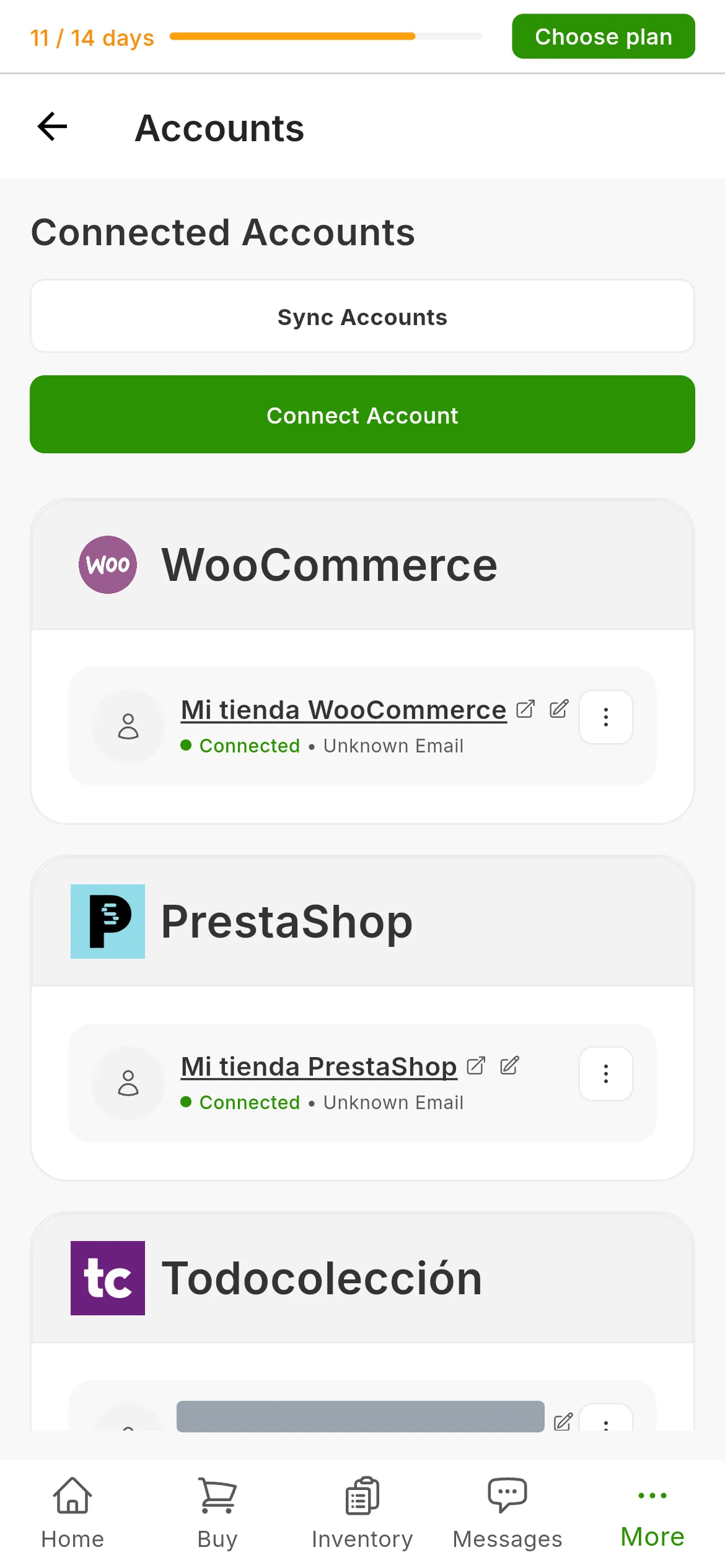
The list of connected accounts. If the browser session expires, the Vinted card switches to a Reconnect button, which repeats step 3.
Next step: importing from a marketplace to bring in the listings you already have on Vinted, or publishing your first listing.
If something is off
- Instead of the detect button, RUIT offers to install the extension. RUIT cannot see any extension of yours connected. Install it, or open RUIT in that browser’s window if you already have it, and open the wizard again: checking the extension connection.
- “The session has expired. Log in to the marketplace in the browser where the Ruit extension is installed.” In that browser you have visited Vinted without signing in, or Vinted has signed you out. Sign in to Vinted there and press Retry.
- “We could not find a Vinted session in the browser where the Ruit extension is installed.” There is no trace of Vinted in that browser. Open Vinted there, not in another browser or on your phone, sign in with your account and press Retry.
- “Invalid or missing credentials for Vinted.” Retry once. If it happens again, sign out of Vinted in that browser, sign back in and repeat step 3.
- “The Vinted session in your browser doesn’t match the detected credentials.” The browser is holding traces of two accounts. Sign out of Vinted, sign back in with the right account and try again.
- “This Vinted account is already linked in your organization.” Someone else in your organization connected it first, and only they can renew it from their browser. If it needs to become yours, they have to unlink it first.
- “Connection timed out.” The extension did not answer within half a minute. Check that the extension’s browser is open and that its icon shows it as connected, and try again.
- You sell in several Vinted countries with different accounts. Each account is connected separately and keeps its own country. If they have to work at the same time, each one needs its own browser with the extension: using several extensions at once.
Video
Video not recorded yet: Connecting a Vinted account
Did this article help?
Thanks for telling us.