Saved searches, alerts and liked items
How to save a search, how RUIT alerts you to new listings on Wallapop and Vinted, and how to use your liked items.
Table of Contents
Under Buy you keep two things to come back to: searches, which RUIT can watch to alert you to new listings, and single items you like. They are in Saved Searches and Liked Items.
Saving a search
-
Run the search in Search, with the filters and the sort order you want.
-
Press Save Search, next to the search box. On a phone, it is the bookmark inside the box.
-
The button changes to Search Saved. If you press it again, the search is no longer saved.
The text, the filters, the sort order and the marketplaces are saved; if you did not choose any marketplace, all three are saved. The search has no name: it is called whatever you typed. With the box empty it cannot be saved, and RUIT reminds you with Enter a search to save. How many saved searches can be active depends on your plan.
As soon as you save it, RUIT asks you Want to be alerted about new ones? If your plan includes alerts, the search is watched from the moment it is saved: Turn the alert on also switches its notifications on and Not now leaves it without them. If it does not include them, the search is saved without being watched and that button shows you the plans.
The saved searches screen
In Buy › Saved Searches you have all of them, each on a card with:
- The search text with a magnifying glass: press it to run the search again.
- The logos of its marketplaces and the price range of its filter, from 0 to ∞ if you did not set one.
- Its Tags, to group them your own way.
- Alerts, with the two switches for its alerts.
- The ⋮ menu: Edit changes the text, the tags and the filters; Duplicate starts from it to create another search with different text, and Delete removes it after you confirm.
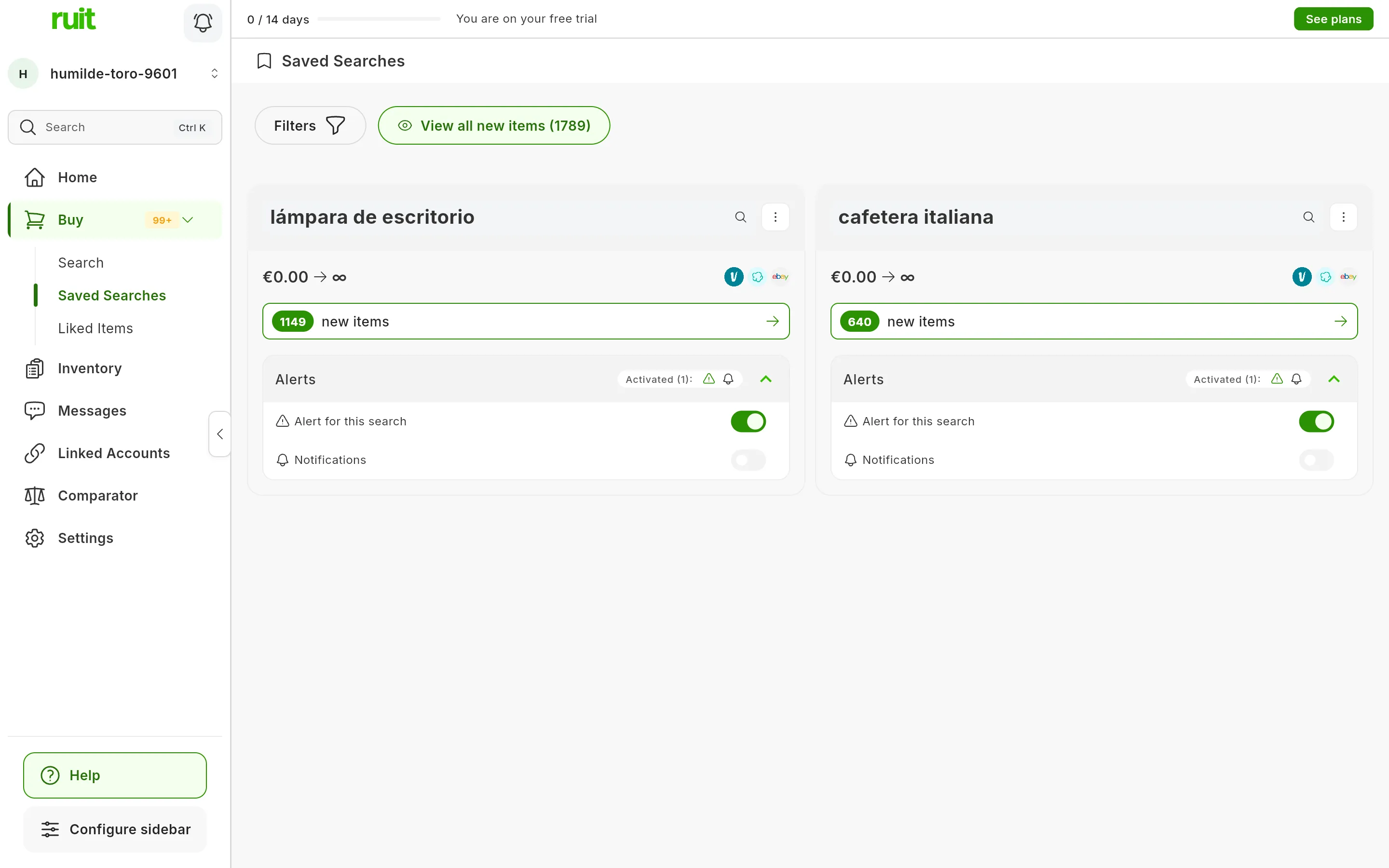
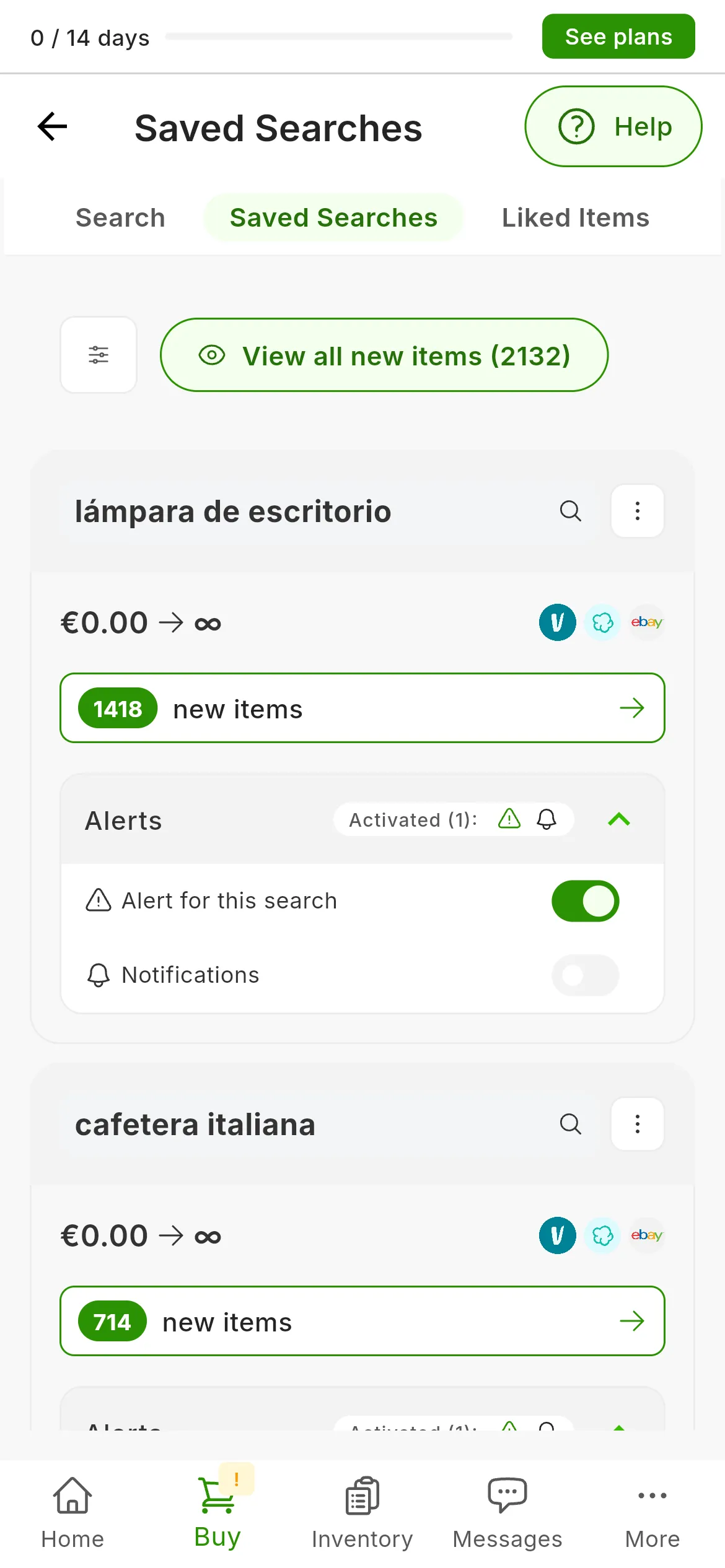
Two saved searches, with the alert on and no notifications.
At the top, Filters searches and sorts the list, and View all new items opens what your alerts have found. Before you search, the Search screen also shows the saved searches with the most new items, each with a few of them.
New item alerts
A saved search can watch Wallapop and Vinted for you and let you know when listings appear that it had not seen before. eBay is not watched, even if it is part of the search.
Alerts are a paid feature. If your plan does not include them, their switches carry a padlock and, when you tap them, show you the plans.
Each search has two switches, inside Alerts:
| Switch | What it does |
|---|---|
| Alert for this search | RUIT checks the search every few minutes and gathers the new listings it finds |
| Notifications | On top of that, it alerts you when there are new listings |
The alert is a push notification: it reaches your phone, if you have the RUIT app, and your browser, if you give it permission. It says how many new items there are and, when you tap it, takes you to them. It does not arrive by email or show up in the RUIT bell.
If no alert reaches you, check that the search has Notifications switched on, that it searches Wallapop or Vinted, and that your phone or your browser allows notifications from RUIT.
RUIT checks your searches every five minutes during the day and every half hour in the early hours. So as not to flood you with alerts, it gathers the new listings of each search: during the day it alerts you at most every half hour, and in the early hours, every six hours. It never sends you more than ten alerts a day, and it never alerts you twice about the same item in one day.
The items found
View all new items, or the new items counter on each card, opens what the alerts have found. The ones you had not seen yet carry NEW and change to Seen as soon as you see them. Mark all as seen marks them all at once.
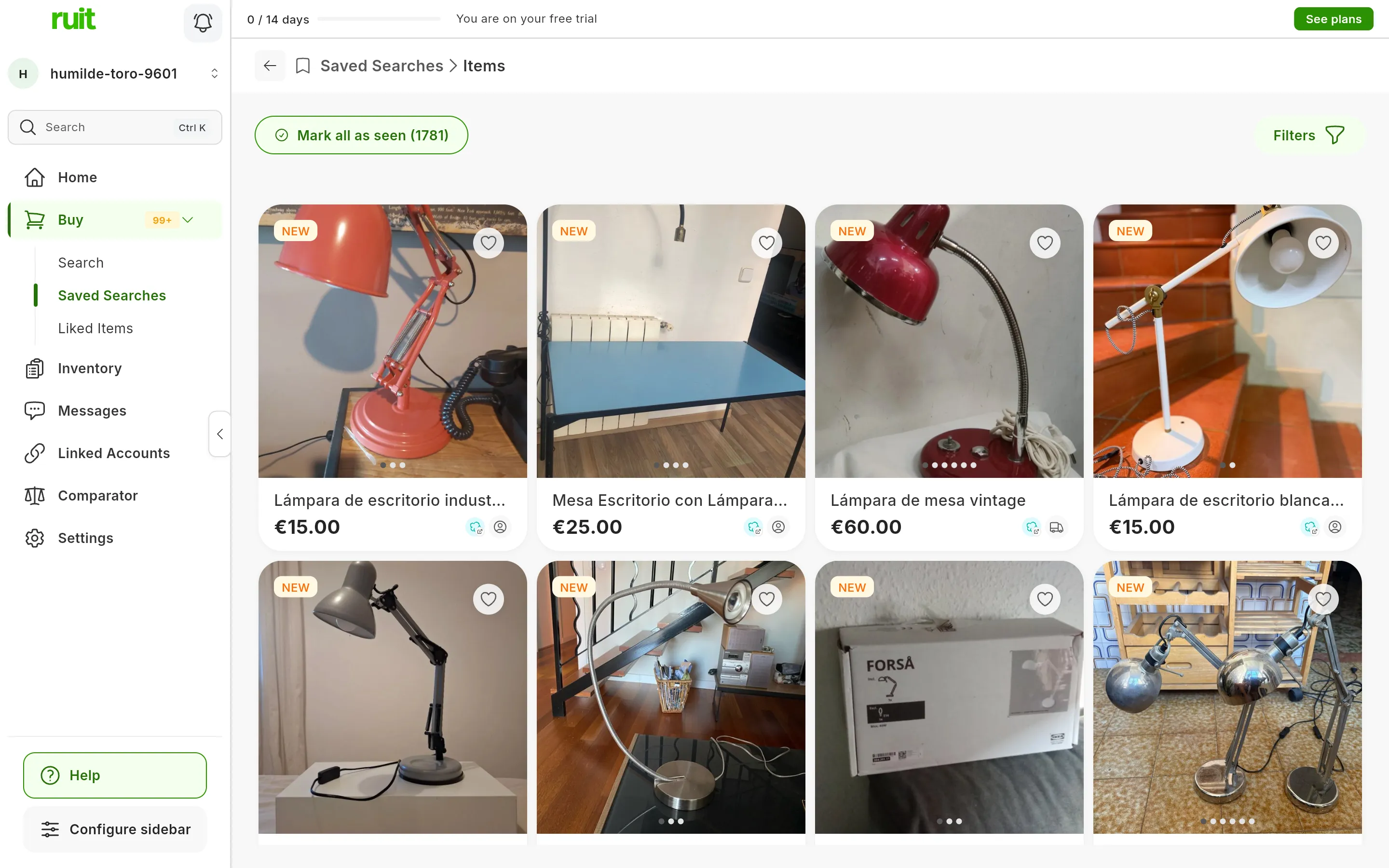
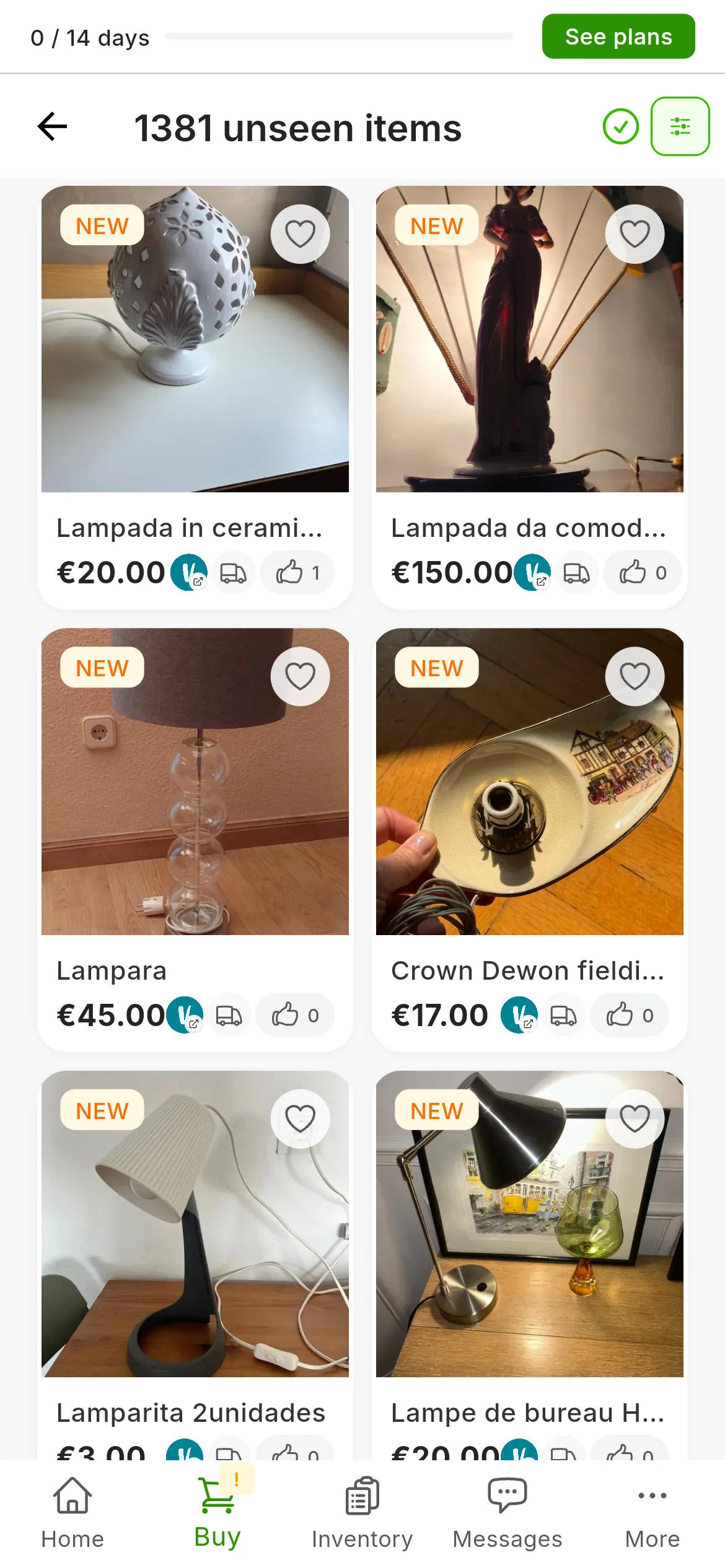
What the alerts have found: what you had not seen yet carries NEW.
Liked items
The heart on a result or on an item’s details page saves it in Buy › Liked Items. On a phone you can also double-tap its photo. Press the heart again to remove it.
A liked item is a copy of the listing inside RUIT: it is not marked as a favorite on the marketplace and it is not updated, so its price or its availability may have changed. Open it on its marketplace before you buy.
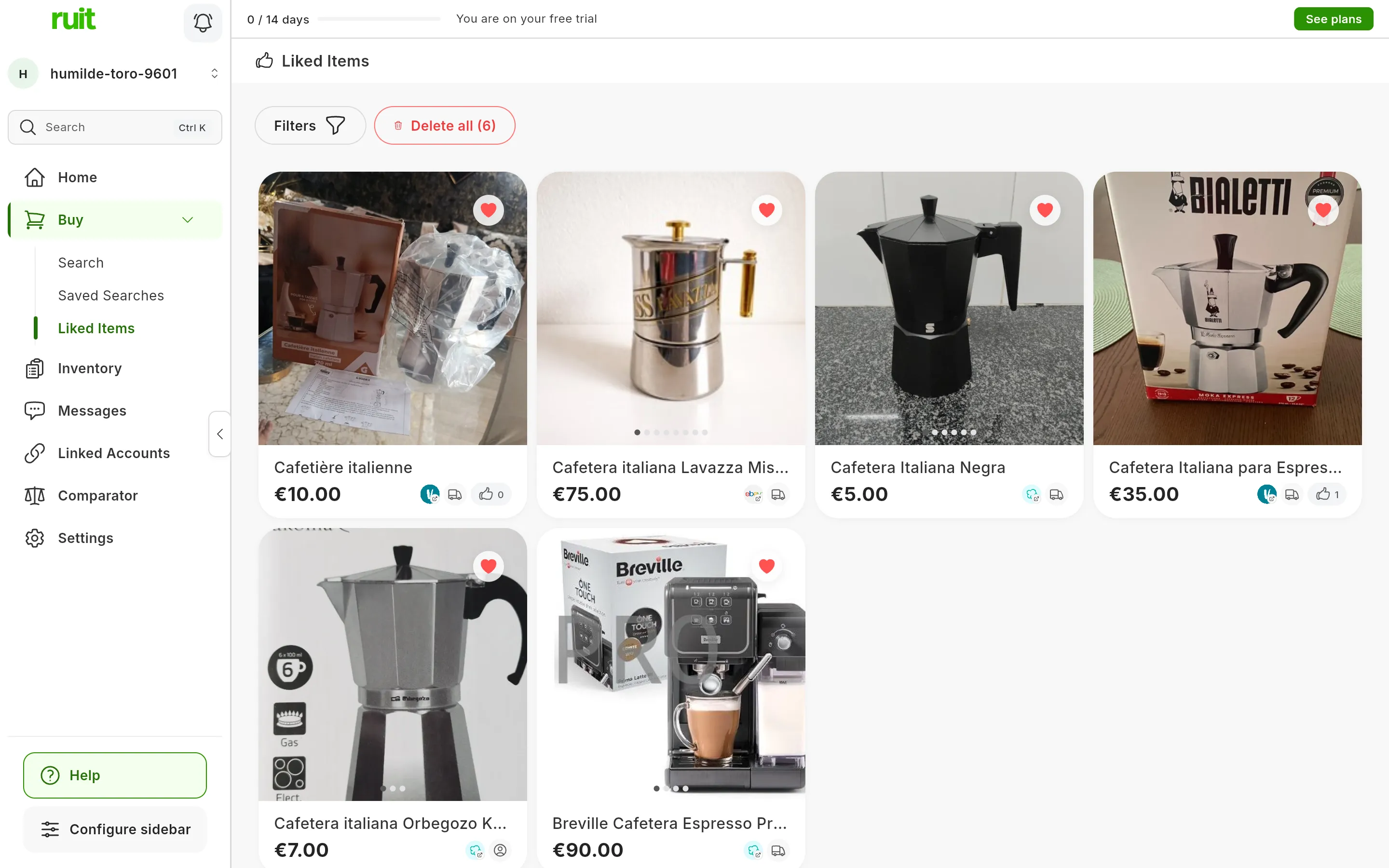
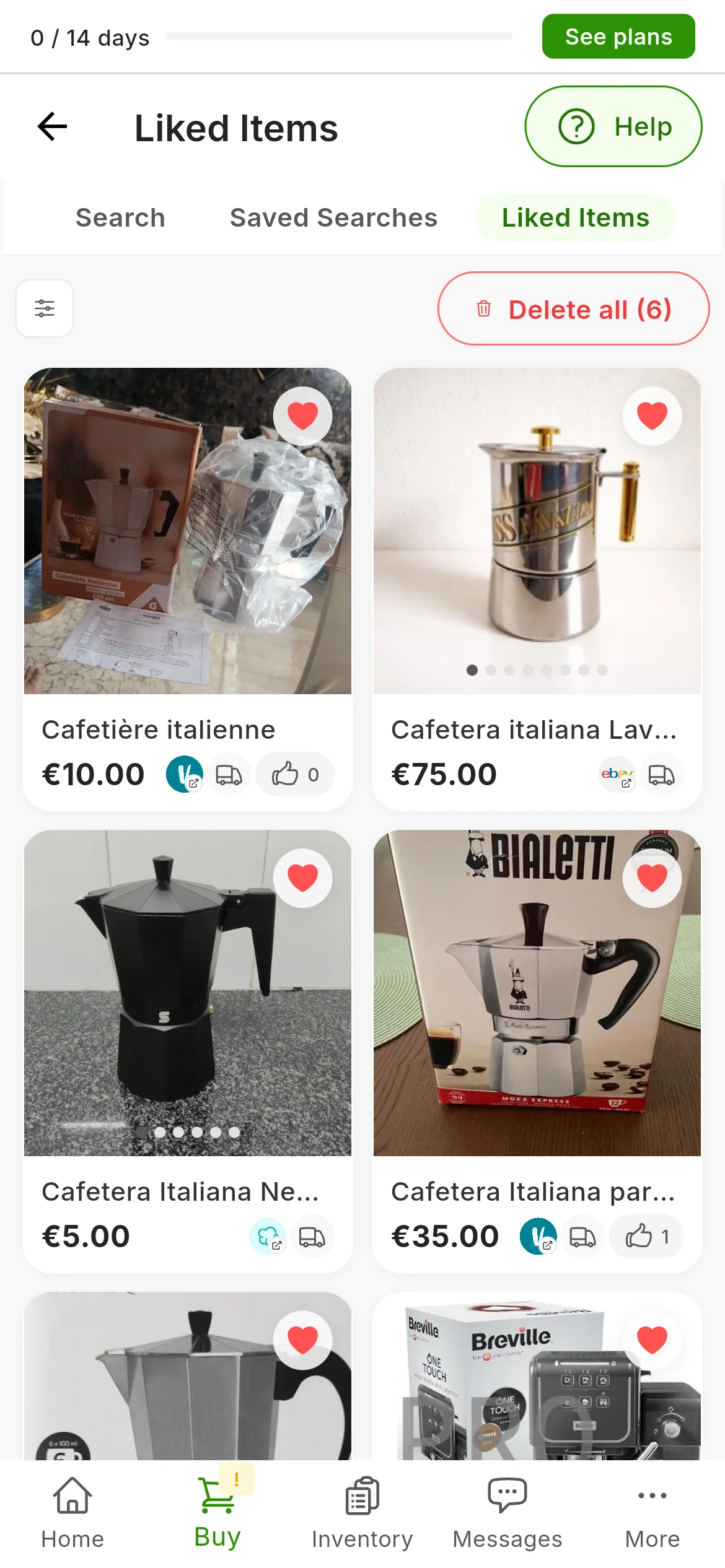
Six coffee makers saved as liked items.
The screen has Filters, to search by title or description, keep only some marketplaces and sort by date or by price, and Delete all, which removes them all at once after you confirm. Liked items do not need a plan, and in an organization each store has its own.
Did this article help?
Thanks for telling us.