Product and listing statuses
What each status of a product and of its listings means, who changes it, which ones you can change yourself and what happens to them when you sell.
In RUIT there are two different statuses side by side: the status of the product, which is yours and lives in the inventory, and the status of each listing, which is that product’s status on one particular marketplace. The same product can show as Listed and, at the same time, have one listing that is Sold and another that is In Sale.
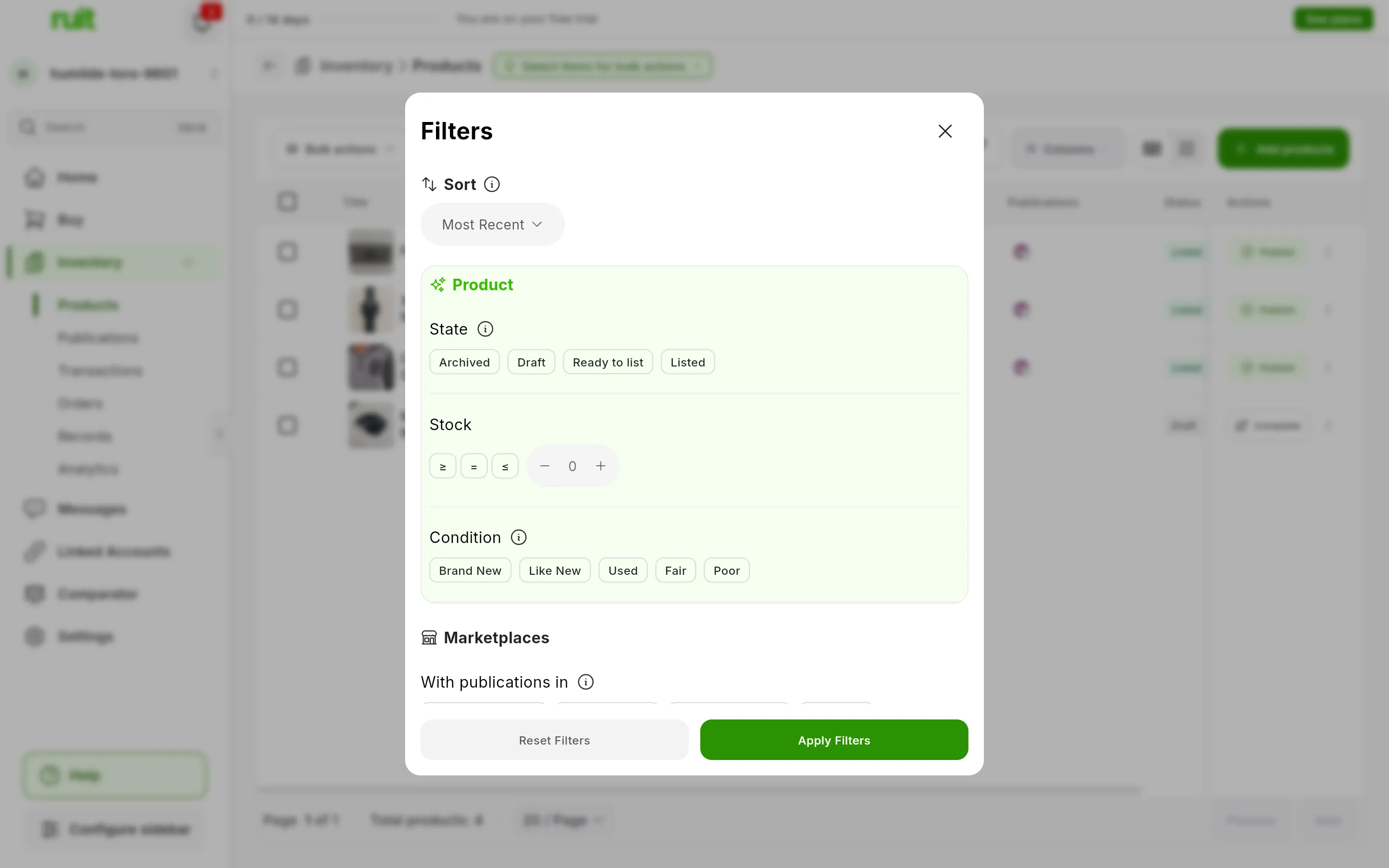
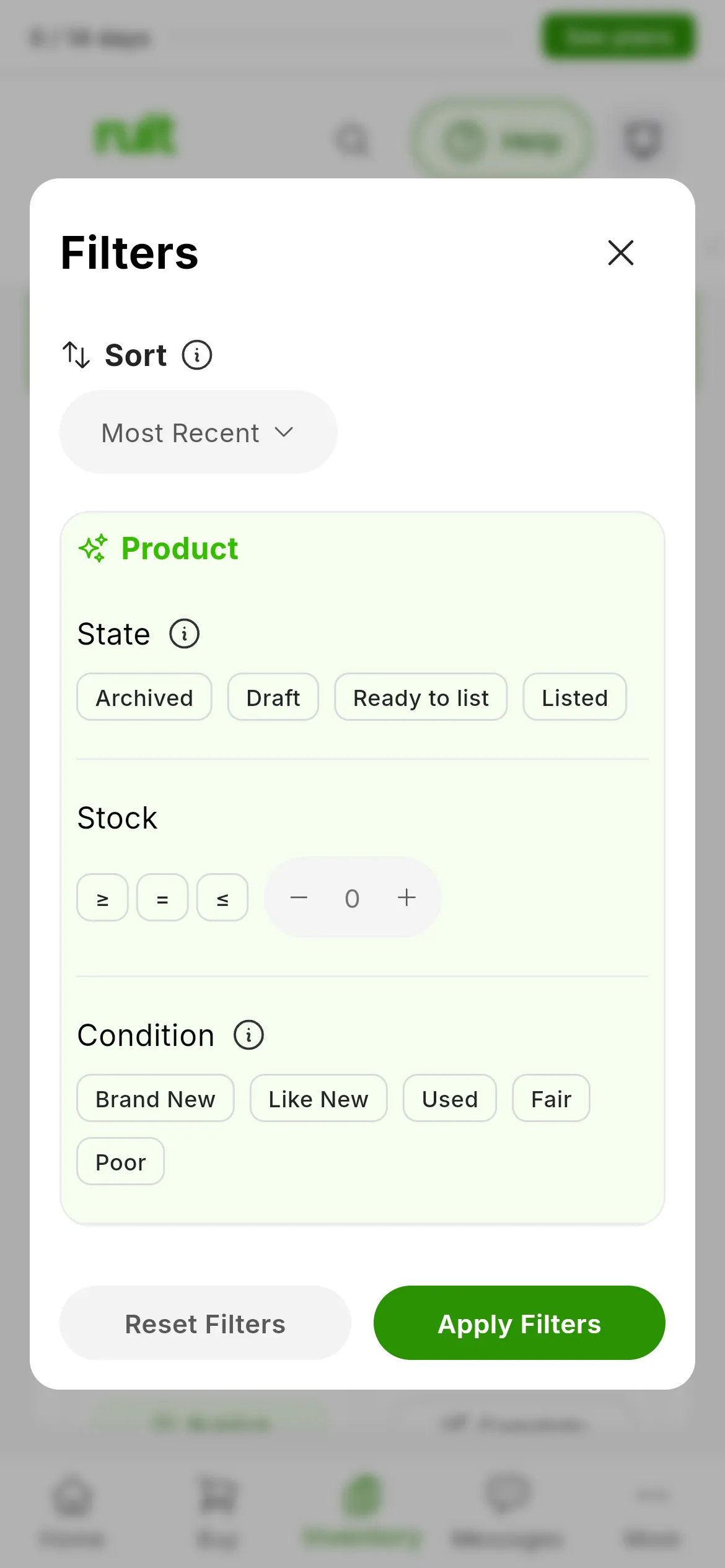
The four statuses of a product, in the State filter of the products table. The statuses of the listings are in the Publications tab and on each product’s page.
The statuses of a product
There are four, and RUIT works them out by itself: there is no selector for setting them by hand.
| Status | When |
|---|---|
| Draft | It is missing one of these five things: a title, a price above zero, a condition, a shipping method or at least one photo |
| Ready to list | It is missing nothing and has no listing that counts |
| Listed | It is missing nothing and has at least one listing that counts |
| Archived | It has been set aside from the day-to-day inventory |
A listing counts if it is neither Sold nor Deleted: listings that are Inactive, Reserved, Out of Stock or in Draft count too. And if several rows apply, Archived wins, then Draft and then Listed. That is why a product that has listings for sale but is missing, for example, its price shows as Draft.
The statuses of a listing
| Status | What it means | Who sets it | Does it keep syncing? |
|---|---|---|---|
| In Sale | It is for sale | RUIT when publishing, the marketplace, or you when you remove a reservation or reactivate it | Yes |
| Reserved | It is set aside for a buyer | You, the marketplace, or RUIT on the product’s other Wallapop and Vinted listings | Yes |
| Sold | It has been sold | You, the marketplace, or RUIT on single-unit listings when the product runs out of stock | Yes |
| Inactive | It is paused or hidden, but not deleted | You, the marketplace, or RUIT when it archives it on Shopify because no stock is left | Yes |
| Draft | The marketplace has it unpublished | The marketplace | Yes |
| Out of Stock | It is still published, with quantity 0 | RUIT, on WooCommerce, PrestaShop and Todocolección, when no stock is left | Yes |
| Expired | It has expired on the marketplace | None of the marketplaces you can connect today produces it | No |
| Deleted | It is no longer on the marketplace | You, the automatic delist, Renew on the old listing, or RUIT when it can no longer find it | No |
Which statuses you can change
None of the product’s. Some of the listings’, and not on every marketplace:
| Action | What it does | On which marketplaces |
|---|---|---|
| Mark as sold | Moves it to Sold and takes one unit off the stock. On Vinted it deletes the listing and on eBay it ends it; on Shopify, WooCommerce, PrestaShop and Todocolección it only changes in RUIT, so take it down from your store as well | All |
| Mark as reserved and Remove reservation | Sets the listing aside for a buyer and puts it back on sale. Reserving takes one unit off the stock and removing the reservation gives it back | Wallapop and Vinted; on Vinted, RUIT does it by hiding the listing |
| Deactivate and Reactivate | Pauses it without deleting it and puts it back on sale | Shopify and Wallapop PRO; Reactivate, also on Wallapop without PRO. On Vinted they are called Hide and Show |
| Delist or Delete publication | Deletes it from the marketplace and it becomes Deleted | All |
You will find them in two places. In the Publications tab, the Status column is a dropdown when the listing is In Sale or Reserved, or Inactive on the marketplaces that allow reactivating it. On the product’s page, each listing has its own menu.
To sell a product again when its listing is Sold, give it stock and publish it again: on that account, the publishing wizard offers you Relist.
What happens when you sell
- The stock goes down by one unit. If the listing was already Reserved, it does not go down again: it went down when the listing was reserved.
- The product can change status. If the sold listing was the only one that counted, the product goes from Listed to Ready to list.
- When the stock reaches 0, RUIT takes the other listings down, if you have automatic delist turned on, which it is by default. On Wallapop, Vinted and eBay it deletes them. On Shopify it archives them and they become Inactive. On WooCommerce, PrestaShop and Todocolección it leaves them with quantity 0, as Out of Stock. In these last two cases the listing still counts, so the product stays Listed.
- With automatic delist turned off, that product’s Wallapop and Vinted listings are marked Sold only in RUIT, without touching the marketplace.
The sync status
In the Publications tab, the Sync Status column tells you whether RUIT is up to date with each listing. It has four values: Healthy, Warning, Error and Disabled. Warning means there has been the odd failure, and Disabled, that RUIT no longer syncs that listing.
In the table view the word is shown, and in the card view a colored dot, with the text when you hover over it.
Video
Video not recorded yet: Reading the status of a product and of its listings
Did this article help?
Thanks for telling us.