Search several marketplaces at once
How to search Wallapop, Vinted and eBay with a single search, how to filter and sort the results and what an item's details page shows.
Search, under Buy in the menu, looks through Wallapop, Vinted and eBay at the same time: you type what you are looking for once and see the listings from all three together. You do not need to connect any account or the RUIT extension: being signed in is enough.
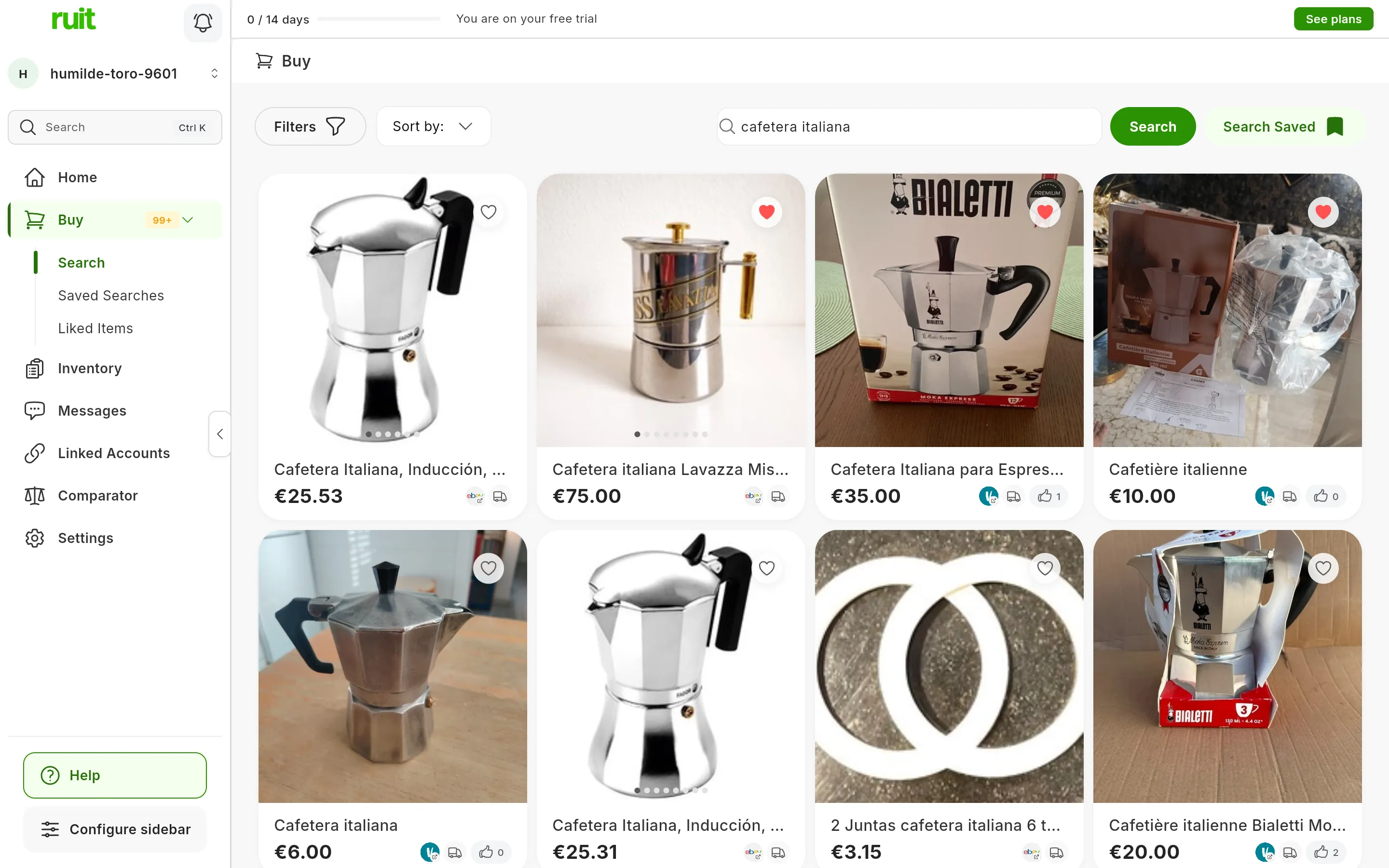
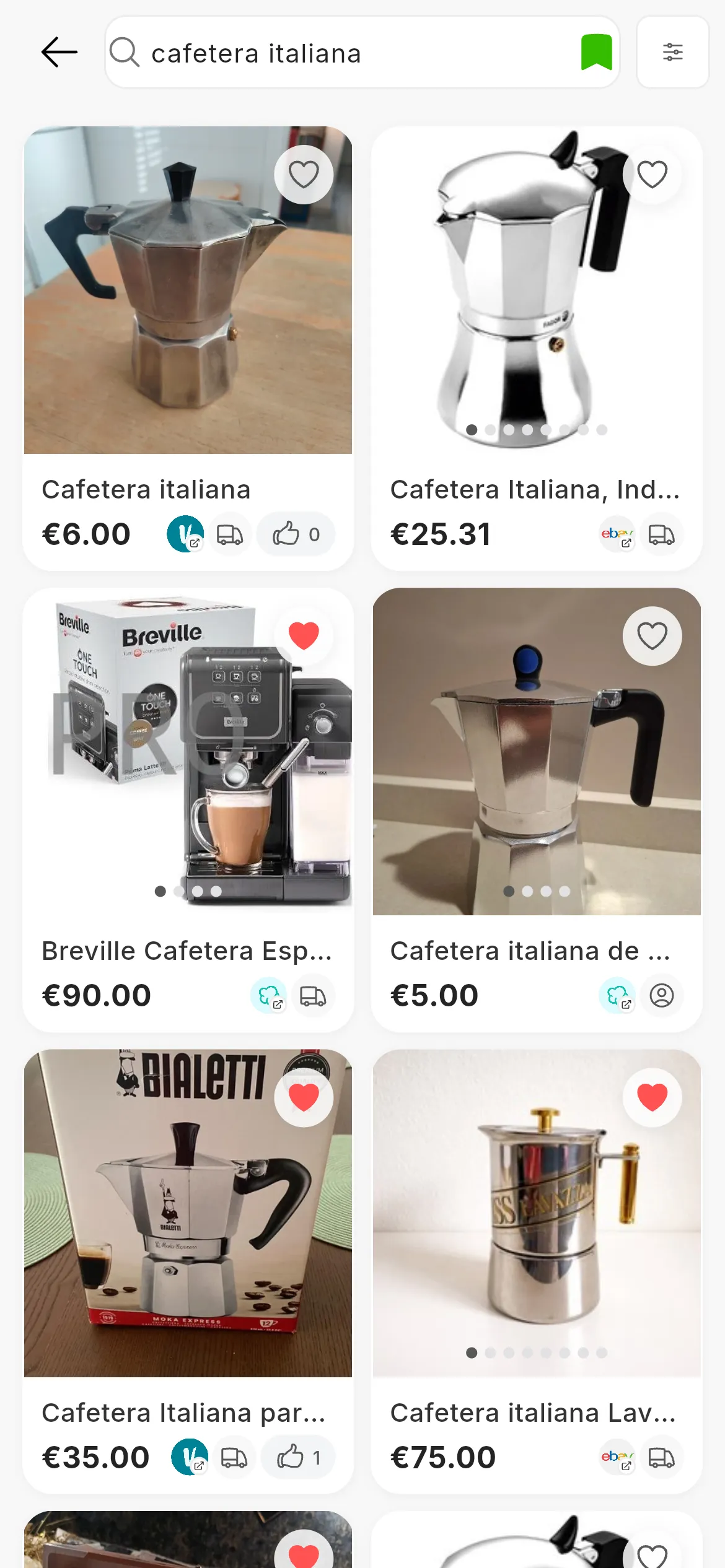
A search for “cafetera italiana”: the results from the three marketplaces, together. On a phone they fill the whole screen.
Which marketplaces it searches
The Spanish versions of Wallapop, Vinted and eBay. The other marketplaces RUIT works with, such as Shopify or Todocolección, are for selling and do not show up in the search.
On Wallapop, the results depend on where you are: the first time, RUIT asks for your location with We ask for your location to search near you on Wallapop.
Running a search
-
In the menu, go to Buy › Search.
-
Type what you are looking for and press Search. On a phone, use the search key on the keyboard.
-
The results from the three marketplaces appear together. More of them load as you scroll down, without changing page.
If you do not choose any marketplace, RUIT searches all three. To search only some of them, tick them in Filters, under Origin.
On a phone, the results open on their own screen, and going back clears the search.
The results
Each result shows its photos, which you can flip through, the title and the price. The marketplace’s logo takes you to its listing (Visit listing on Wallapop, for example). A truck means the seller ships, and a person means it is only handed over in person. The heart saves it to your liked items.
On a phone, double-tap a photo to add it to your liked items, or press and hold a result to see a preview with its description and its Shipping Cost.
If there are no results, you will see Looks a little empty here on a computer and Oops! We found nothing… on a phone.
Filtering the results
Filters opens a panel with the filters that work on every marketplace. When you are done, press Apply Filters; Reset Filters removes them all.
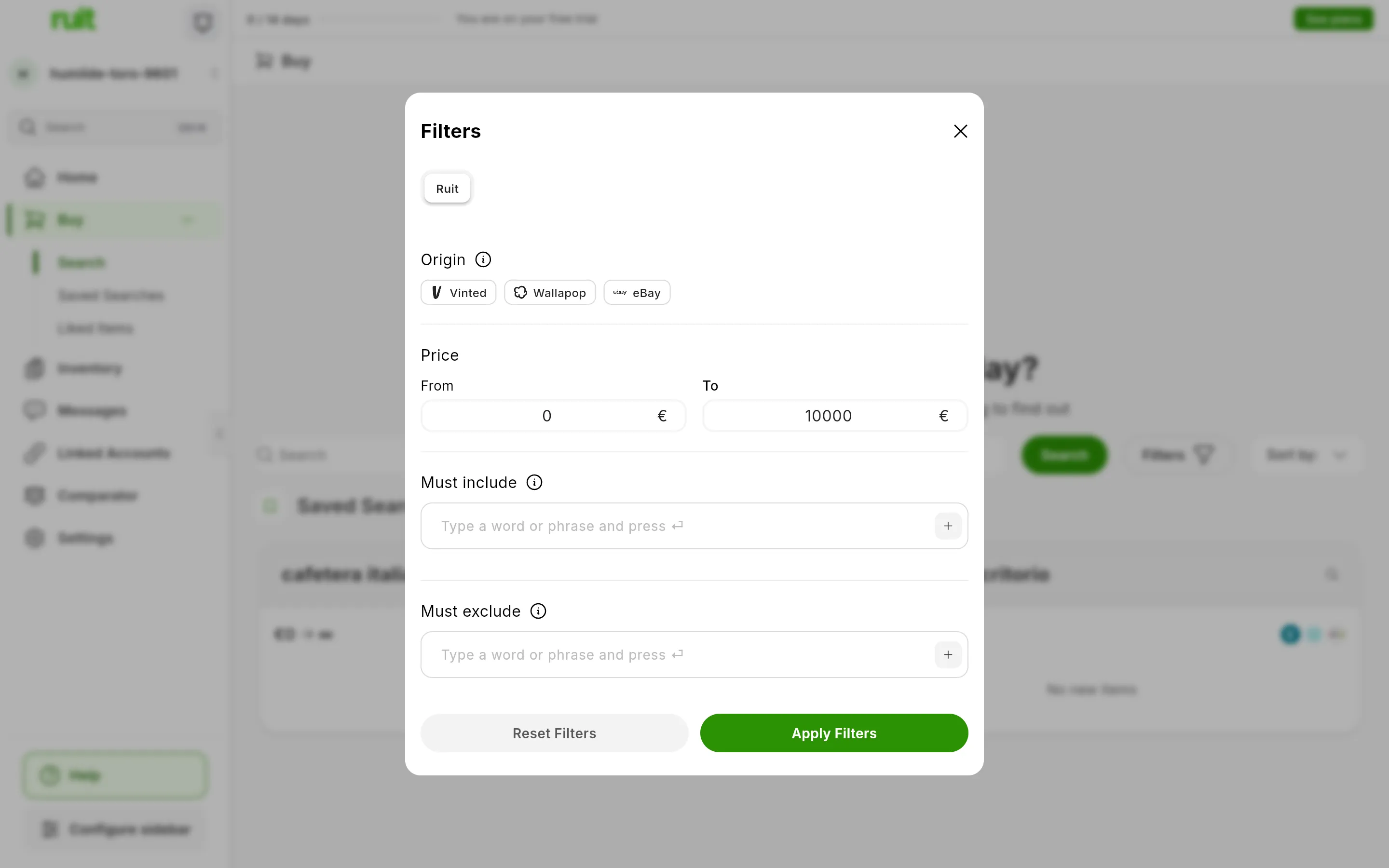
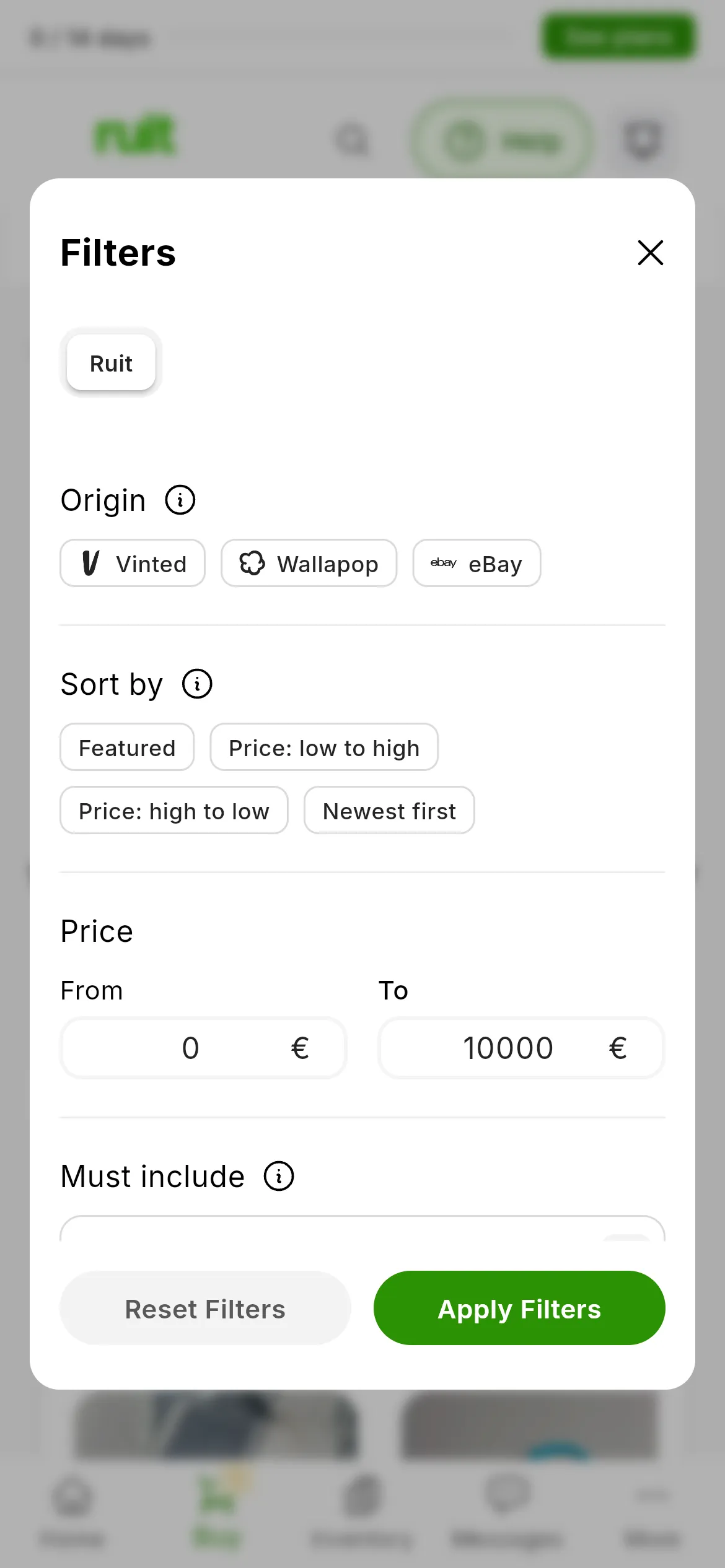
The Filters panel, with the ones that work on all three marketplaces. On a phone it also holds the sort order.
| Filter | What it does |
|---|---|
| Origin | The marketplaces to search. With none ticked, it searches all three |
| Price | A minimum (From) and a maximum (To), which RUIT passes on to each marketplace |
| Must include | Words that have to be in the title or the description, regardless of capital letters or accents. They are also added to the search |
| Must exclude | Words that must not be there |
If you tick marketplaces under Origin, the panel adds a tab for each one, with its own filters:
| Marketplace | Filters |
|---|---|
| Wallapop | Category, item condition, when it was listed (today, in the last week or in the last month), price and brand |
| Vinted | Category and, depending on the category, the ones Vinted offers: condition, brand, size, color or material |
| eBay | Category, price and condition |
There are no distance or shipping filters.
Sorting the results
Sort by has four options: Featured, Price: low to high, Price: high to low and Newest first. By price, RUIT sorts the results from the three marketplaces together. With Featured and Newest first, each marketplace sorts its own and RUIT interleaves them.
The price it sorts by is the listing’s price, without the shipping or the fees each marketplace adds at checkout, so the cheapest result on the list is not always the one that costs least in the end.
On a phone and in narrow windows, the sort order is inside Filters, on the first tab.
An item’s details page
Pressing a result opens its details page, Listing Details: the photos, the total price and the Base price, the description, the specifications, the location and the shipping costs. Beside them you have About the seller and Visit listing on, which opens the listing on its marketplace. You buy there: RUIT does not buy for you.
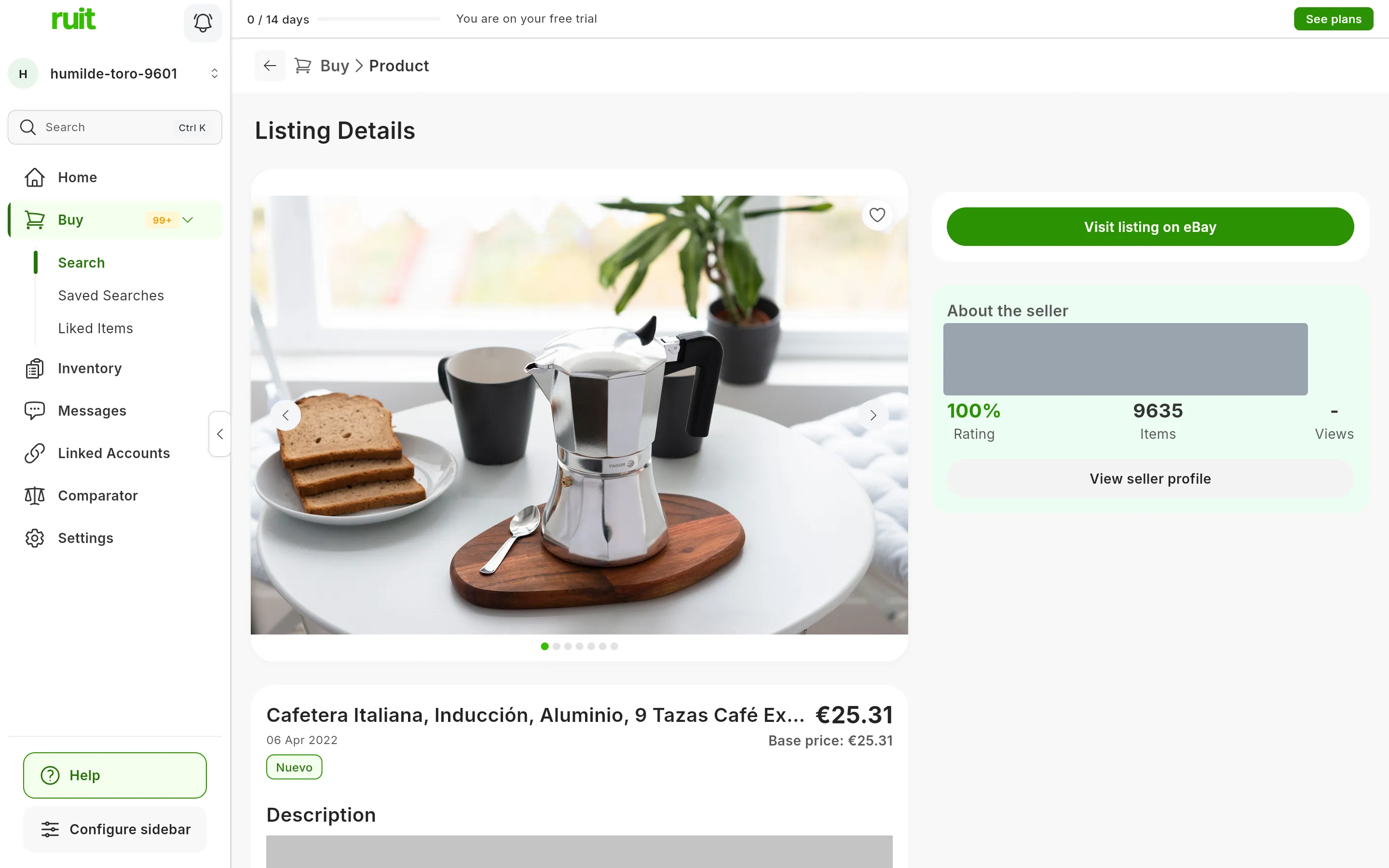
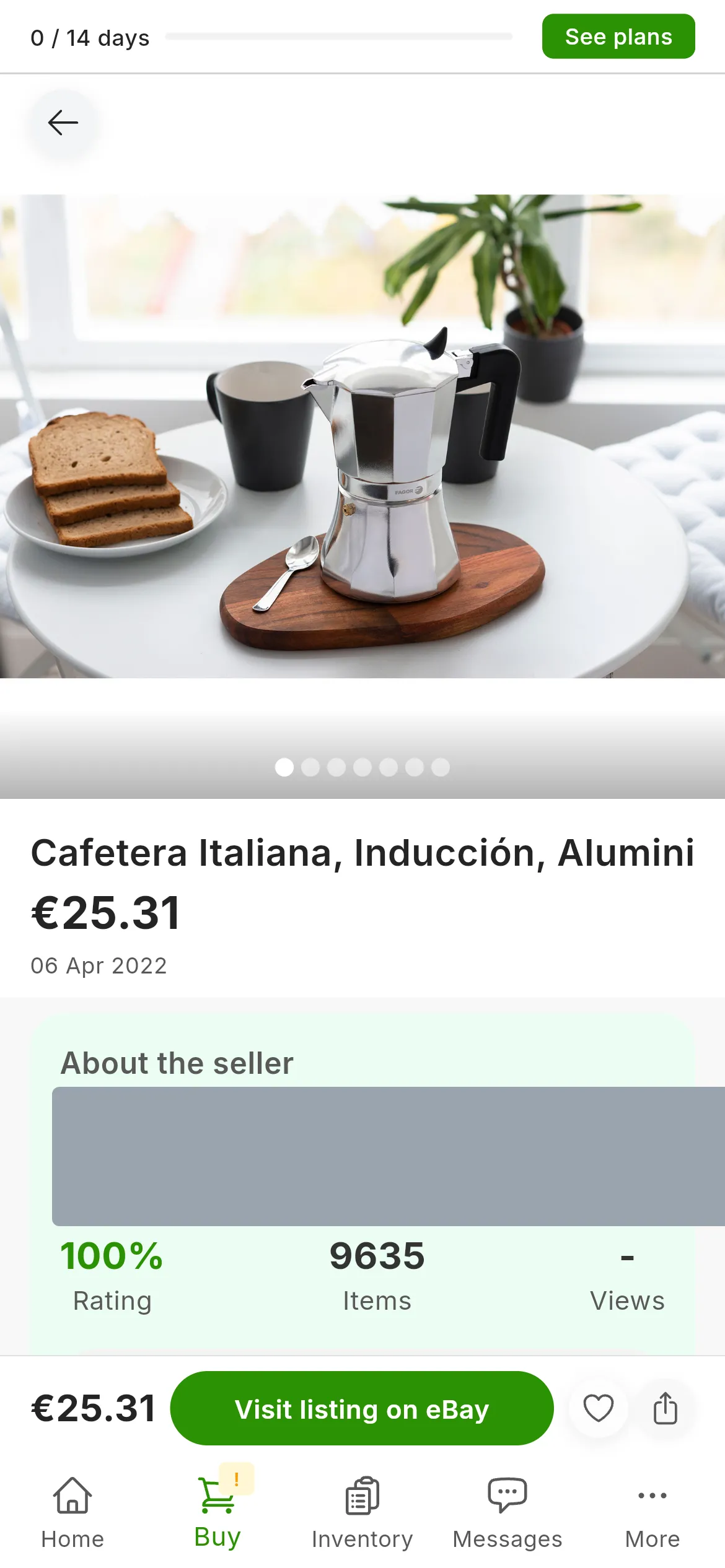
An item’s details page. The seller is covered in the image.
On a phone, swipe sideways to move to the next or the previous result. At the bottom you have the price, Visit listing on and the heart.
The price comparison
The details page compares the price with similar listings from the same search, from any of the three marketplaces, and tells you whether This price is low, fair or high. Below it, Other options cost between… gives the range of the others, and Confidence: uses five dots: the more of them light up, the more you can trust the comparison.
If it does not find at least five listings with a similar title, the page says Price comparison unavailable, and if the comparison turns out unreliable, it does not show it. Nor does it appear when you open the page from your liked items or from the items an alert has found, because there is no search there to compare against.
Your previous searches
As you type in the search box, your previous searches appear below it, under History, and the ones you have saved, under Saved. Press one to run it again with its filters. To save a search and have RUIT tell you about new listings, see Saved searches, alerts and liked items.
Did this article help?
Thanks for telling us.