Your marketplace settings
Settings › Marketplaces: what applies to all your marketplaces, what you adjust on each one and how often your plan syncs and detects sales.
Settings → Marketplaces brings together how RUIT works on your marketplaces. It has a General page, with what applies to all of them, and one page for each marketplace where you have a connected account.
On a computer, the pages are in a list on the left: General at the top, your marketplaces below and, at the end, Manage accounts, which takes you back to Linked accounts. You also get in through the gear on each card in Linked accounts, which opens that marketplace’s page. On a phone, More → Settings → Marketplaces shows the list, and each row opens its page.
Everything is saved as soon as you change it. If something does not get saved, RUIT says so and lets you Retry.
General
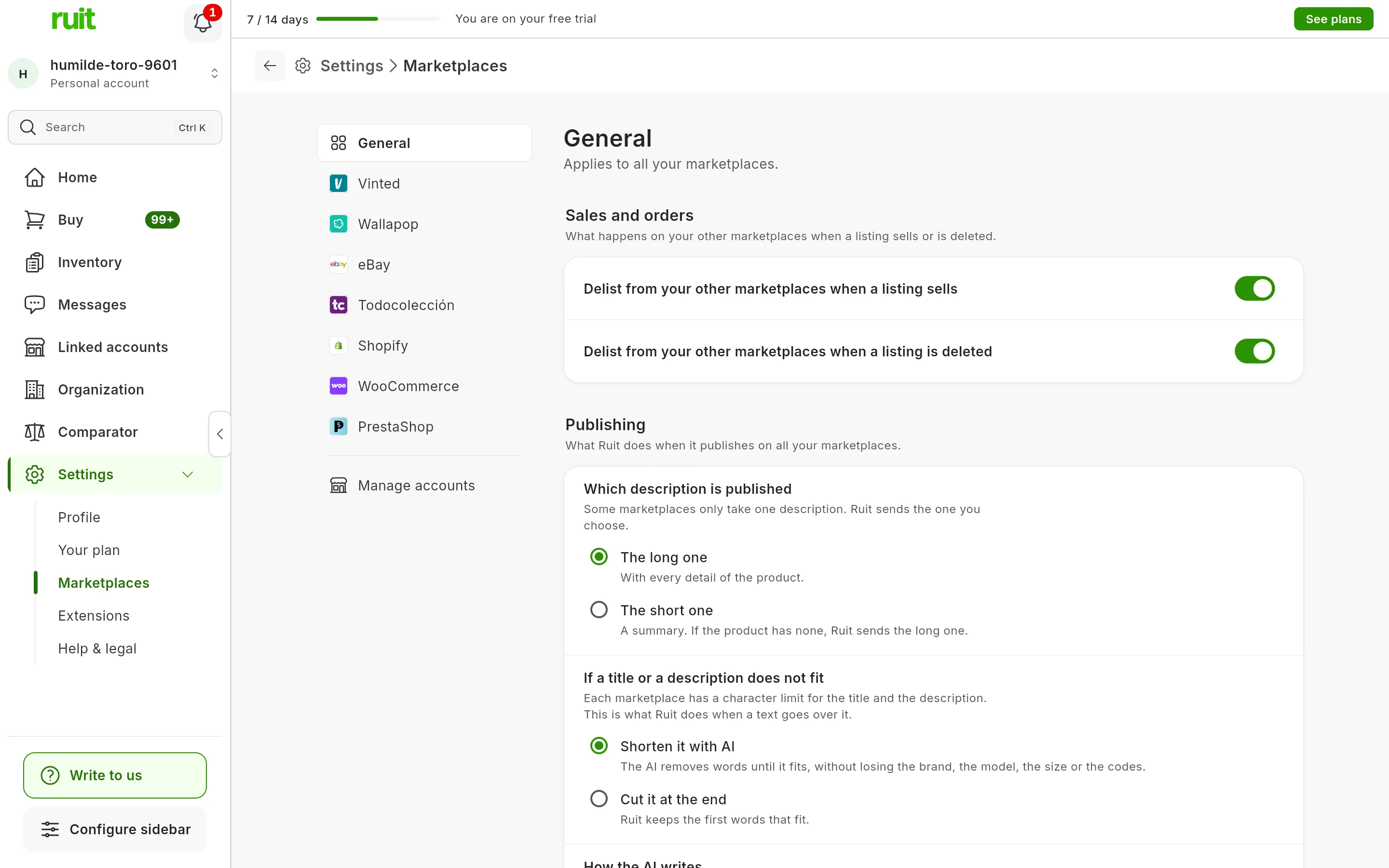
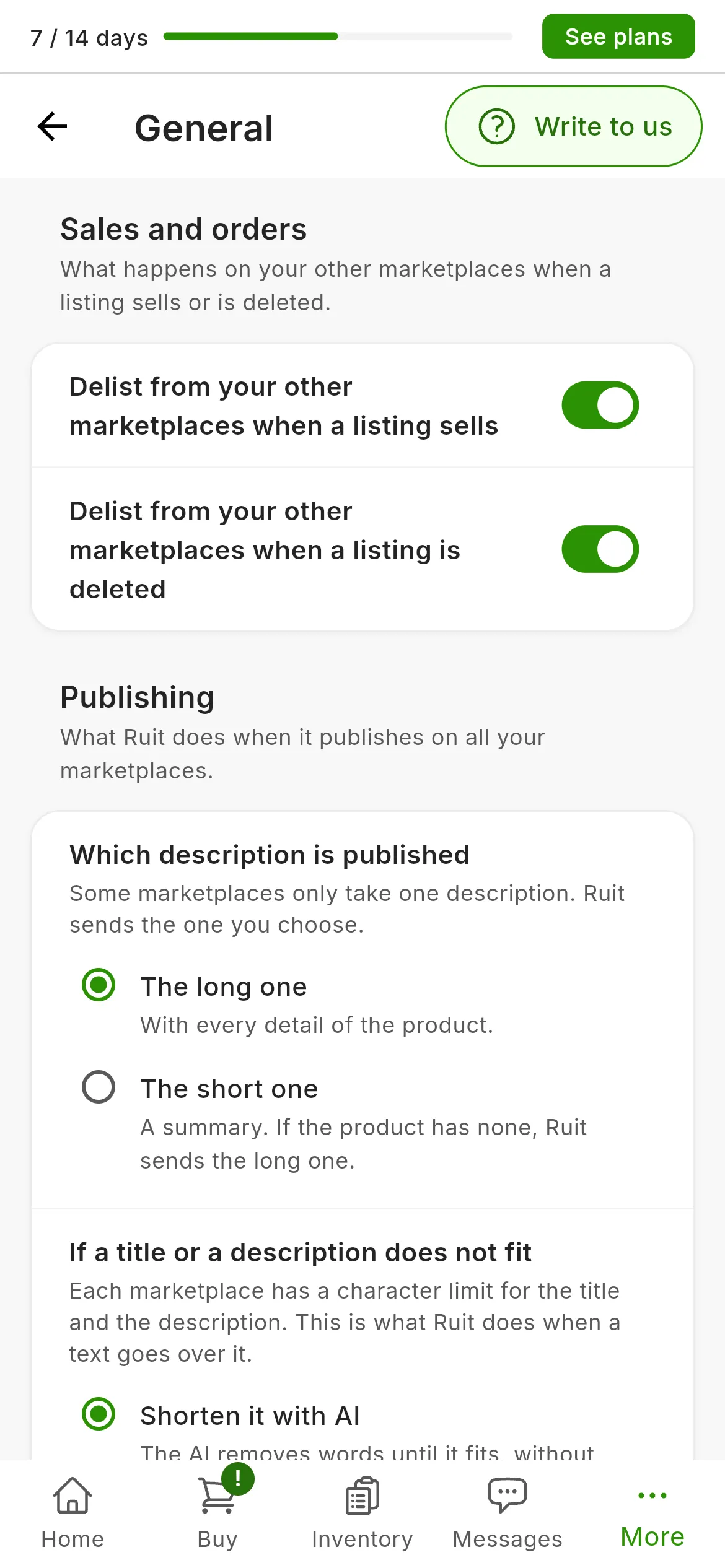
General: what applies to all your marketplaces.
Sales and orders
Two switches, both on by default, decide what happens on your other marketplaces:
- Delist from your other marketplaces when a listing sells: when a product sells and runs out of stock, RUIT delists its listings on the other marketplaces, and when a listing is reserved, it also reserves the ones on Wallapop and Vinted. If you turn it off, RUIT only updates the product in your inventory.
- Delist from your other marketplaces when a listing is deleted: if you delete a listing on a marketplace, RUIT delists that product’s other listings once two syncs in a row confirm it is gone.
Delist a listing, and automatic delisting explains it in detail.
Publishing
- Which description is published: The long one, which is the default, or The short one. If a product has no short description, the long one goes out. It is covered in What gets sent to each marketplace when you publish.
- If a title or a description does not fit within a marketplace’s character limit: Shorten it with AI, the default option, removes words until it fits without losing the brand, the model, the size or the codes; Cut it at the end keeps the first words that fit.
- How the AI writes: the AI Settings button opens your writing style, online search and your instructions. They apply when you create a product with AI, when you renew a listing and when you publish it again after a sale; online search, only when you create a product from its photos. Fill in a product with AI explains each option.
- Automatic price drops: the rules that lower the price of your listings over time. They have their own guide: Automatic price drops.
Each marketplace’s page
At the top are the marketplace’s name and how many accounts you have on it. If you have more than one, each section reminds you that it applies to all of them, except Settings specific to each account.
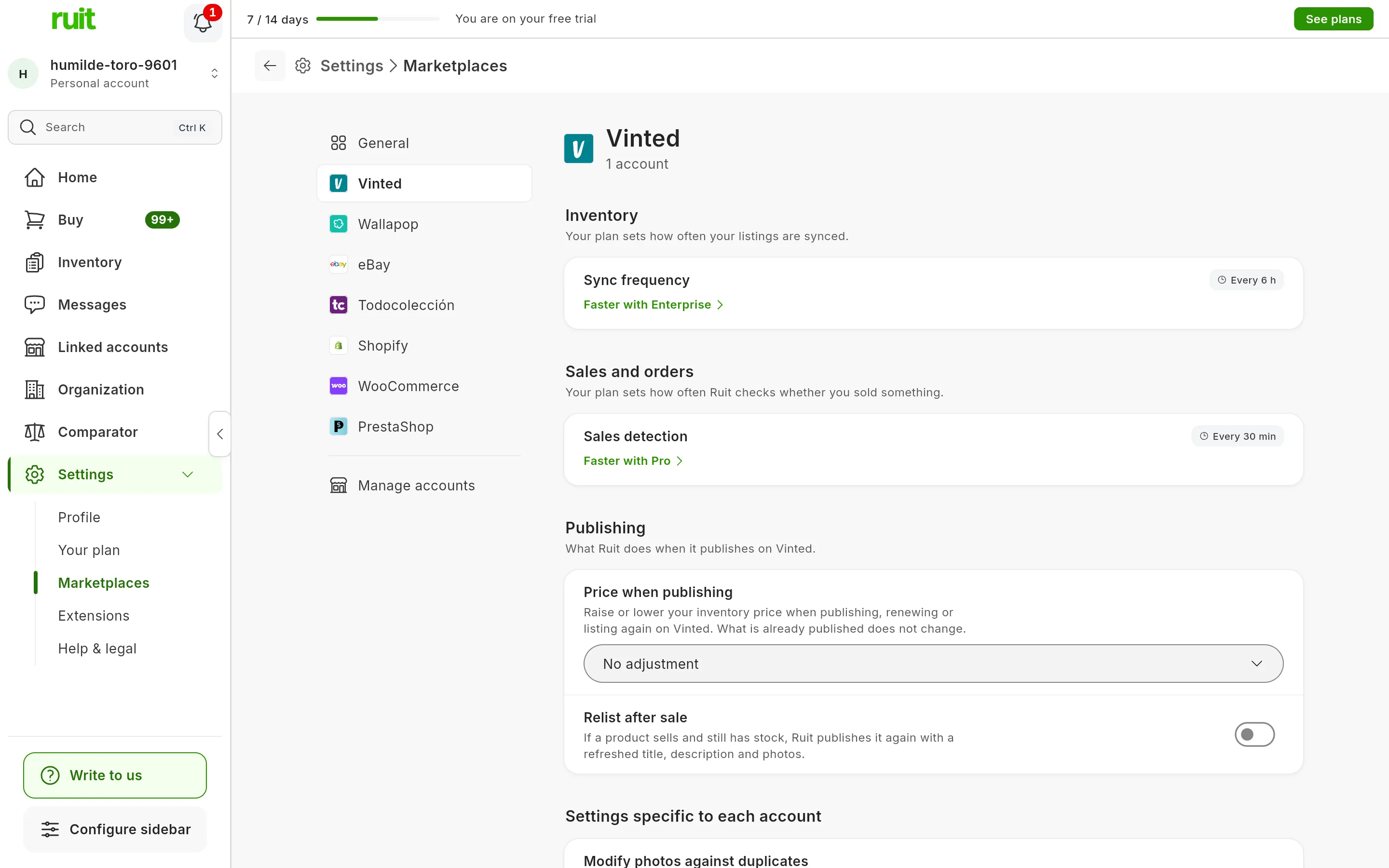
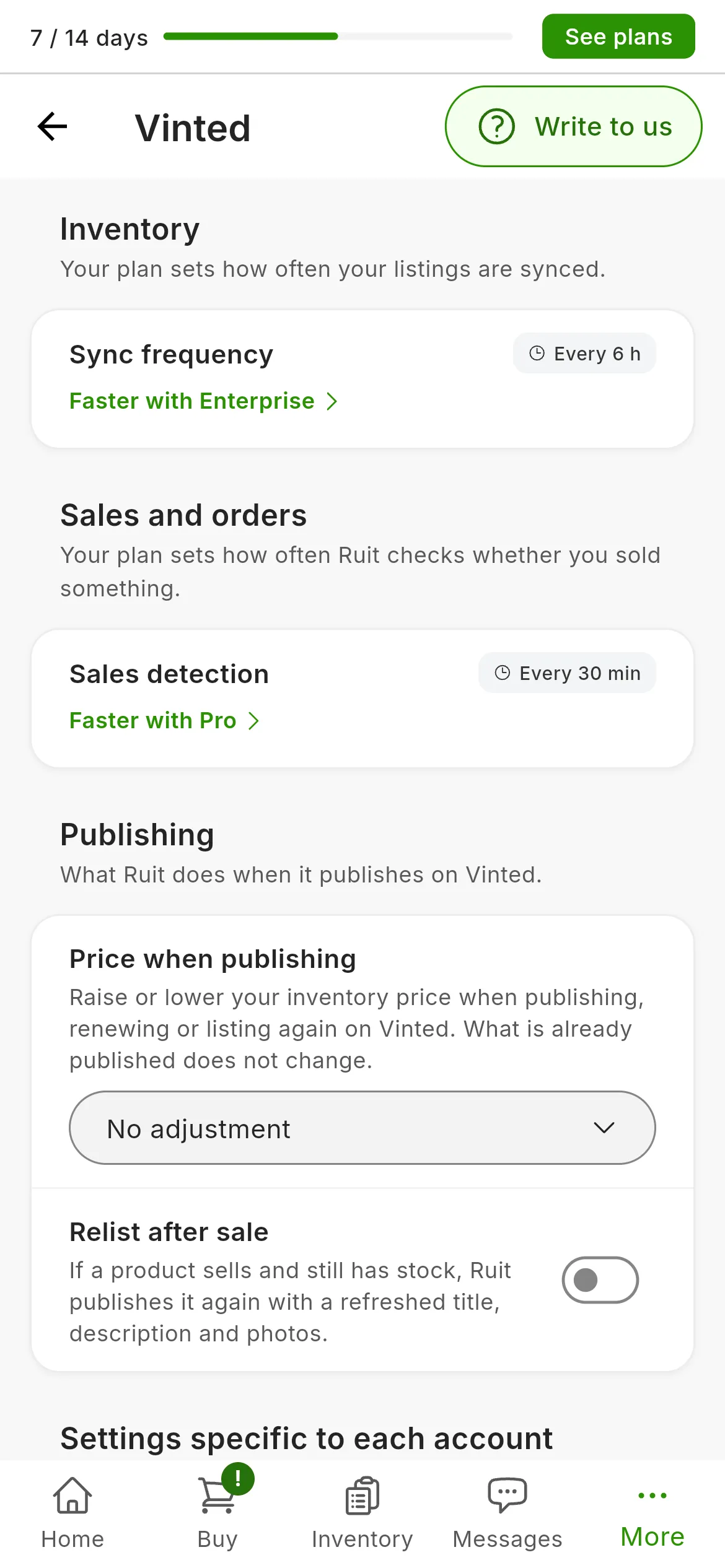
The Vinted page. You read the speeds; you do not choose them.
How often it syncs and detects sales
Inventory shows the Sync frequency, how often RUIT reads your listings on that marketplace. Sales and orders shows Sales detection, how often it checks whether you have sold something. Your plan sets both, and you do not choose them:
| Plan | Inventory sync | Sale detection |
|---|---|---|
| Free | Once a day | Once a day |
| Starter | Every 6 h | Every hour |
| Plus | Every 6 h | Every 30 min |
| Pro | Every 6 h | Every 10 min |
| Business | Every 6 h | Every 5 min |
| Enterprise | Every hour | Every 5 min |
On Vinted and Wallapop, sales detection never runs more often than every 10 minutes. Shopify and WooCommerce say Real time: they tell RUIT about every change and every sale the moment it happens, whatever your plan. If a higher plan is faster, below it you will see Faster with and the plan’s name, which opens the plans window. There is no orders setting to turn on.
Publishing
- Price when publishing raises or lowers your inventory price by a percentage when you publish, renew or publish again on that marketplace. Choose Raise or Lower and type the percentage: below it, an example shows what a €20 product would be published at. No adjustment removes it. It allows up to 500% when raising and 99% when lowering, and it starts from the sale price if the product has one. What is already published does not change. When you publish, each account shows you Will be published at with the adjusted price, and you can change it.
- Default shipping, only on Todocolección: According to my Todocolección settings, the default, or Todocolección Envíos, with a Parcel weight from 500 g to 30 kg. It is what RUIT picks when publishing, and you can change it on each listing.
- Relist after sale, on Vinted, Wallapop and Todocolección: if a product sells and still has stock, RUIT publishes it again with a refreshed title, description and photos. It is off by default.
- Product safety (EU), only on eBay: the contact for whoever answers for the safety of what you sell, which eBay requires of business sellers in the EU. There is one for your whole organization, and Fill in with my details completes it with your billing details or the ones eBay shows on your listings: check them before saving. Only the owner or an admin can change it.
Settings specific to each account
- Modify photos against duplicates, on Vinted, Wallapop and Todocolección, with one switch per account. RUIT slightly reframes each photo the marketplace receives when you publish, renew and publish again, so that the marketplace does not take the listing for a duplicate; on Todocolección, only when you renew. That is why the published photos look a little different from the originals. It comes on by default on Vinted. Your photos in RUIT do not change.
- Inventory location, on eBay: where you ship from. Add creates it once, and after that it can no longer be changed from RUIT.
- Business policies, on eBay: the shipping, returns and payment ones, which you create and edit on eBay. Open on eBay takes you to them and Check again asks eBay again.
Connect eBay to RUIT explains the two eBay rows.
What each marketplace has
| Marketplace | Speeds | Publishing | Per account |
|---|---|---|---|
| Vinted | Your plan’s | Price when publishing, relist | Photos, on by default |
| Wallapop | Your plan’s | Price when publishing, relist | Photos |
| eBay | Your plan’s | Price when publishing, product safety | Location, policies |
| Todocolección | Your plan’s | Price when publishing, default shipping, relist | Photos, only when renewing |
| IberLibro | Only sales detection | Price when publishing | Nothing |
| PrestaShop | Your plan’s | Nothing | Nothing |
| Shopify and WooCommerce | Real time | Nothing | Nothing |
Did this article help?
Thanks for telling us.